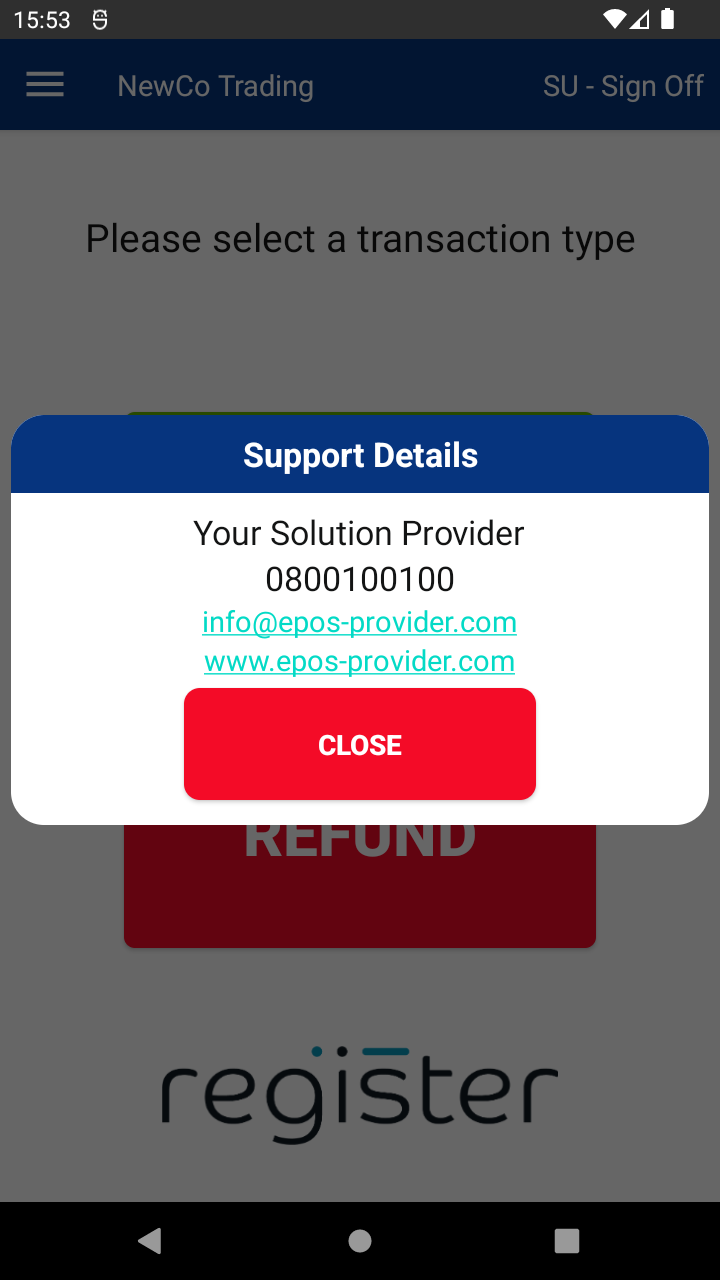
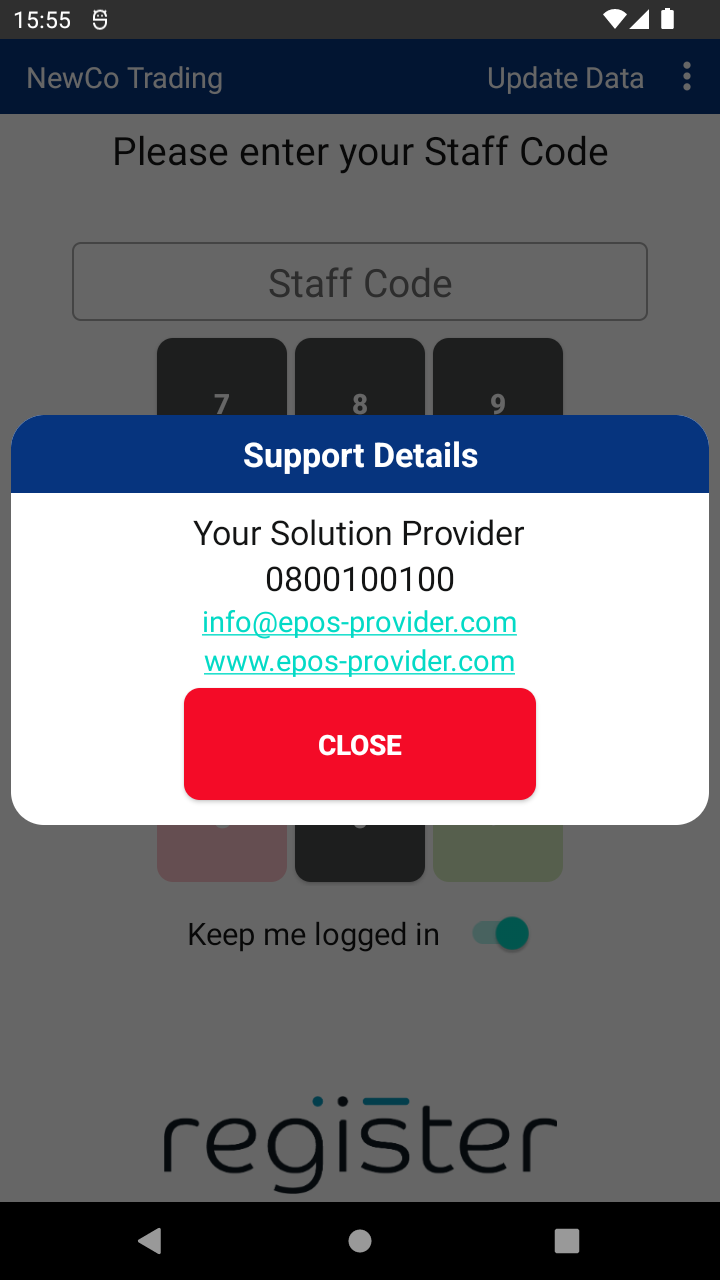
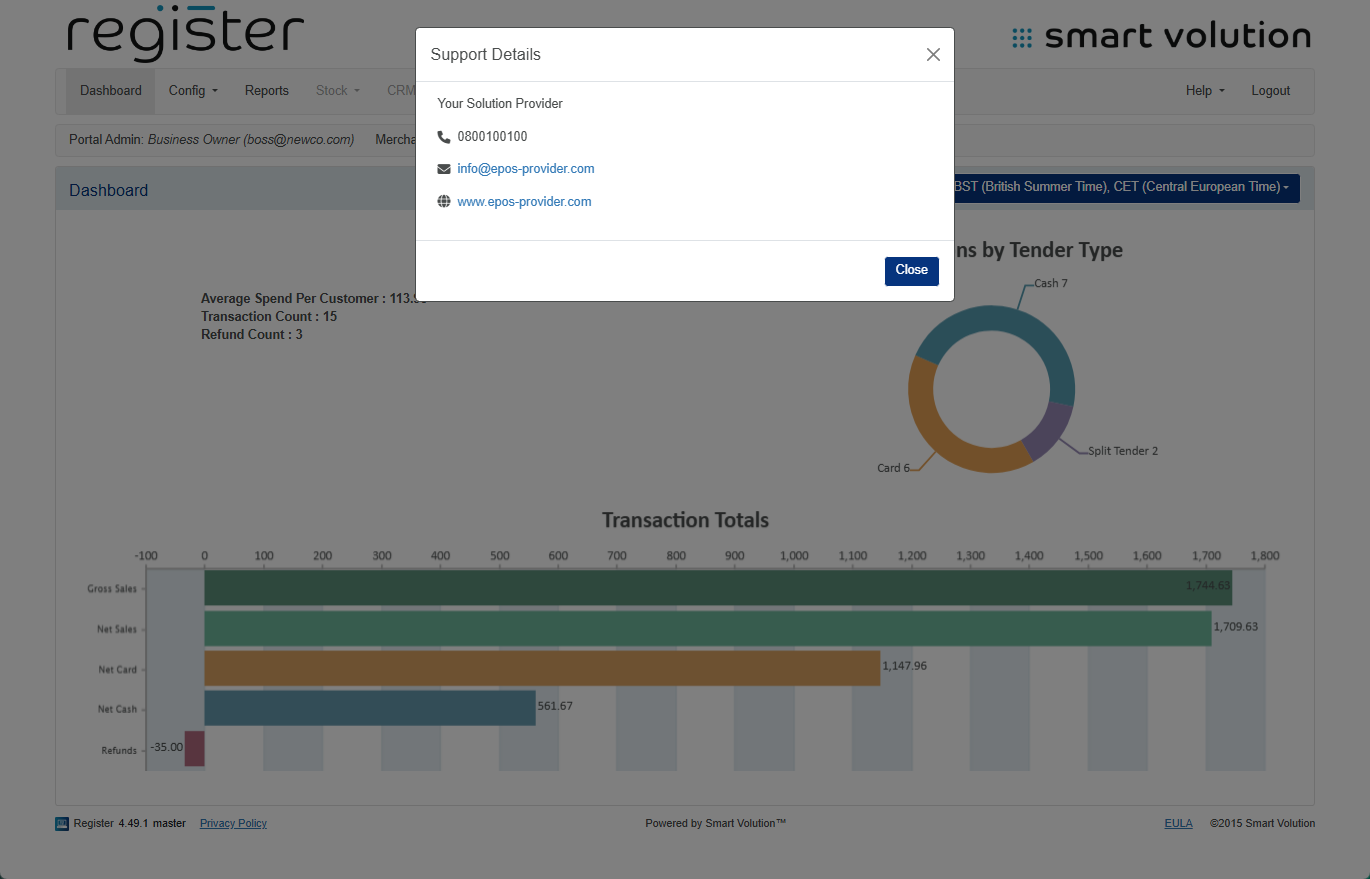
If you have any questions or need support, your best contact is your Solution Provider. You can find their contact details both on your device and in the Web Portal.
Here’s how to find support info:
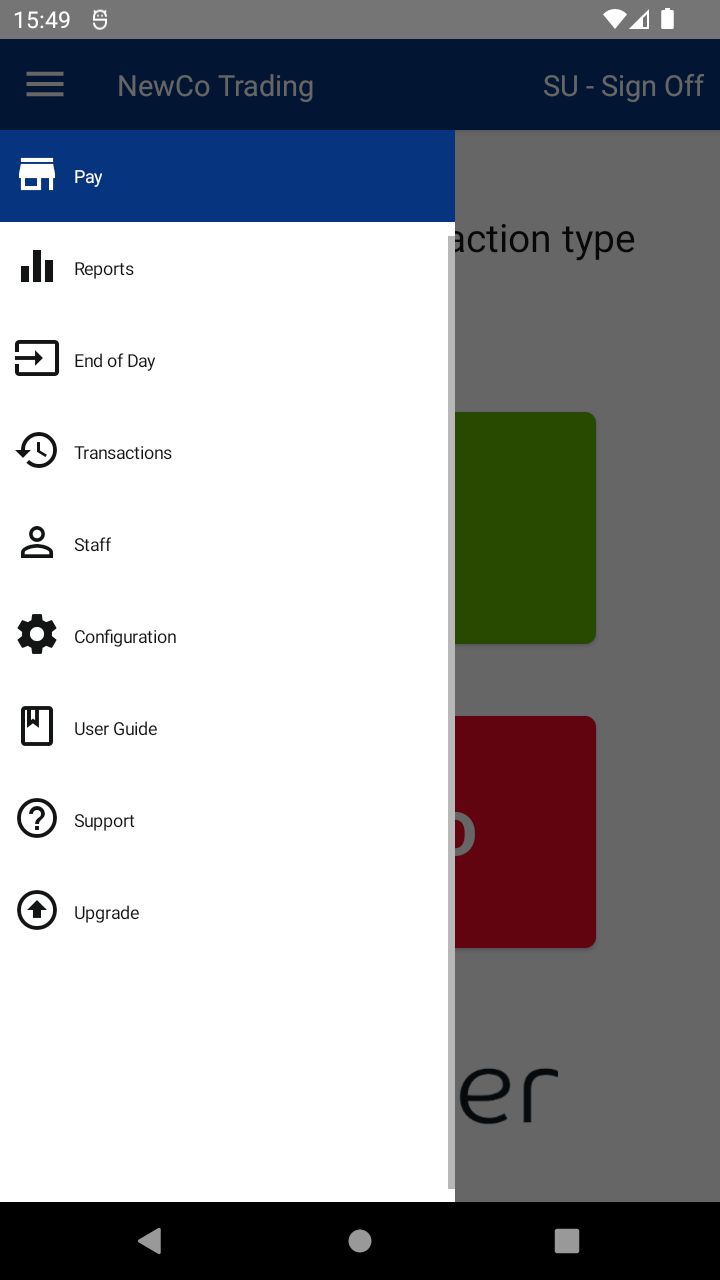
- On your device, once logged in, tap the Menu by tapping the hamburger ( ☰ ) button in the top left corner, then tap Support.
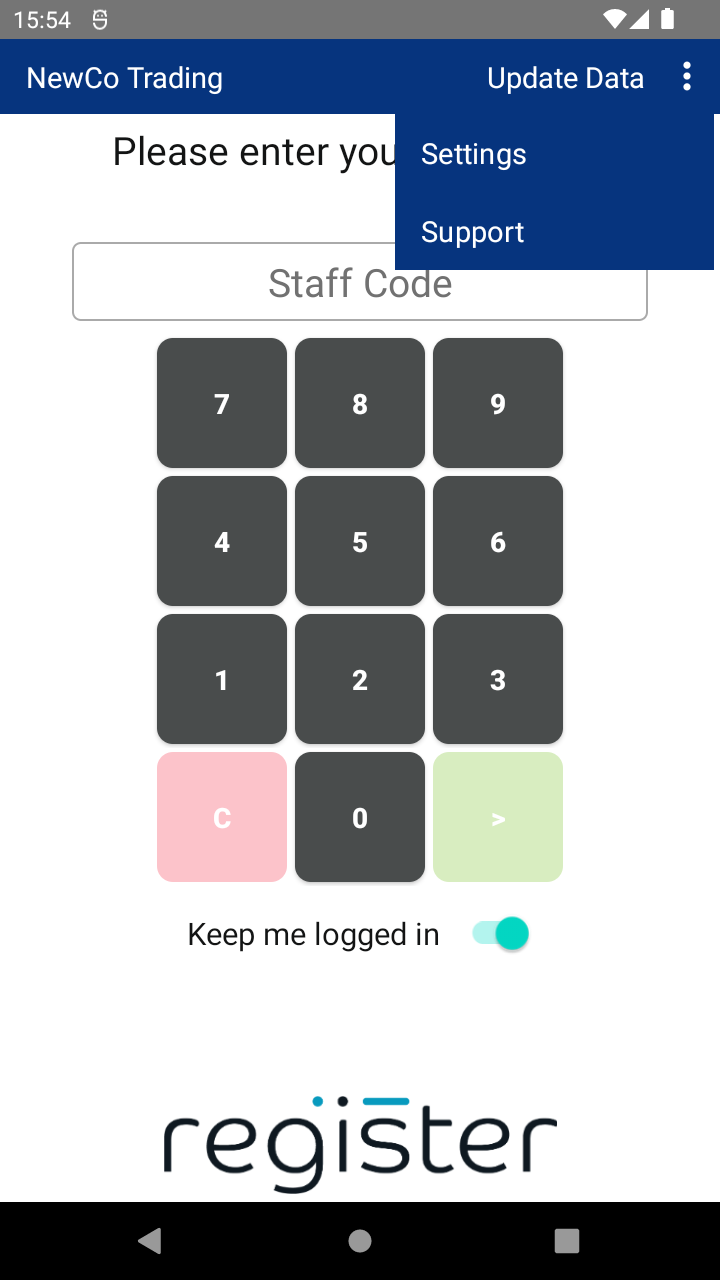
- From the device’s login screen, tap the kebab menu ( ᎒ ) button in the top right corner, then tap Support.
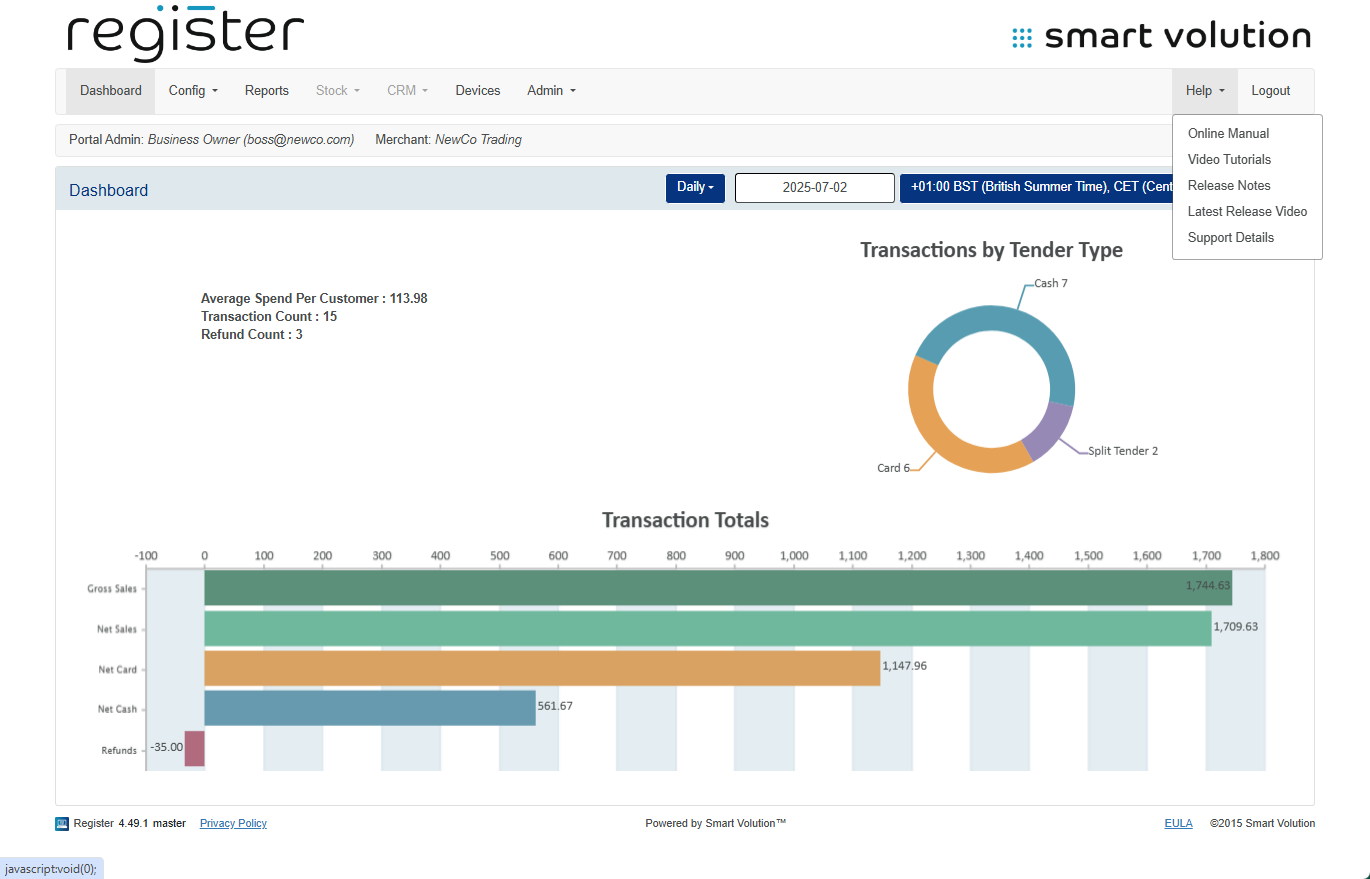
- On the Web Portal, once logged in, click Help on the top bar, then click Support Details.
They’ll be ready to help you out!

