You can choose to add a name to any transaction, which makes it easier to identify specific sales or refunds later. This is especially useful for tracking by customer name, invoice number, job type, or any other reference.
When This Feature is Enabled:
- During a Sale or Refund, after entering the amount, you'll see a Name Payment or Name Refund button.
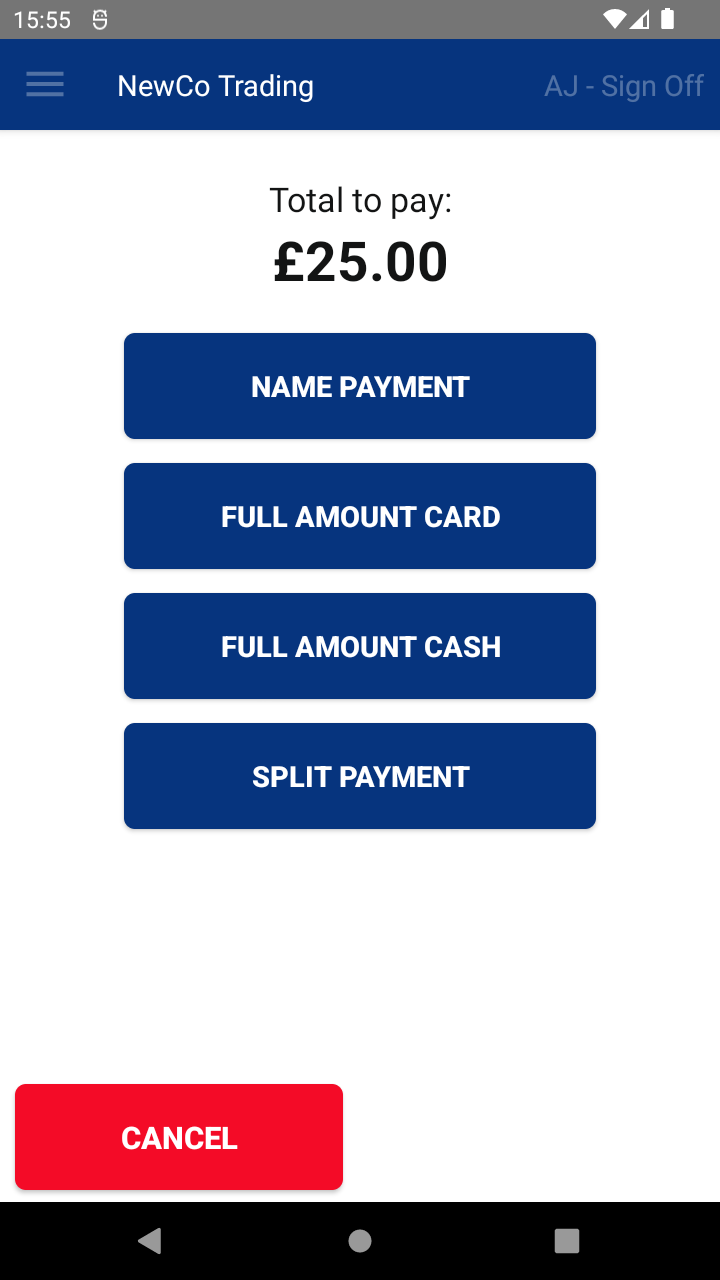
- Tap this button to open a text box where you can enter a name or reference (up to 200 characters).
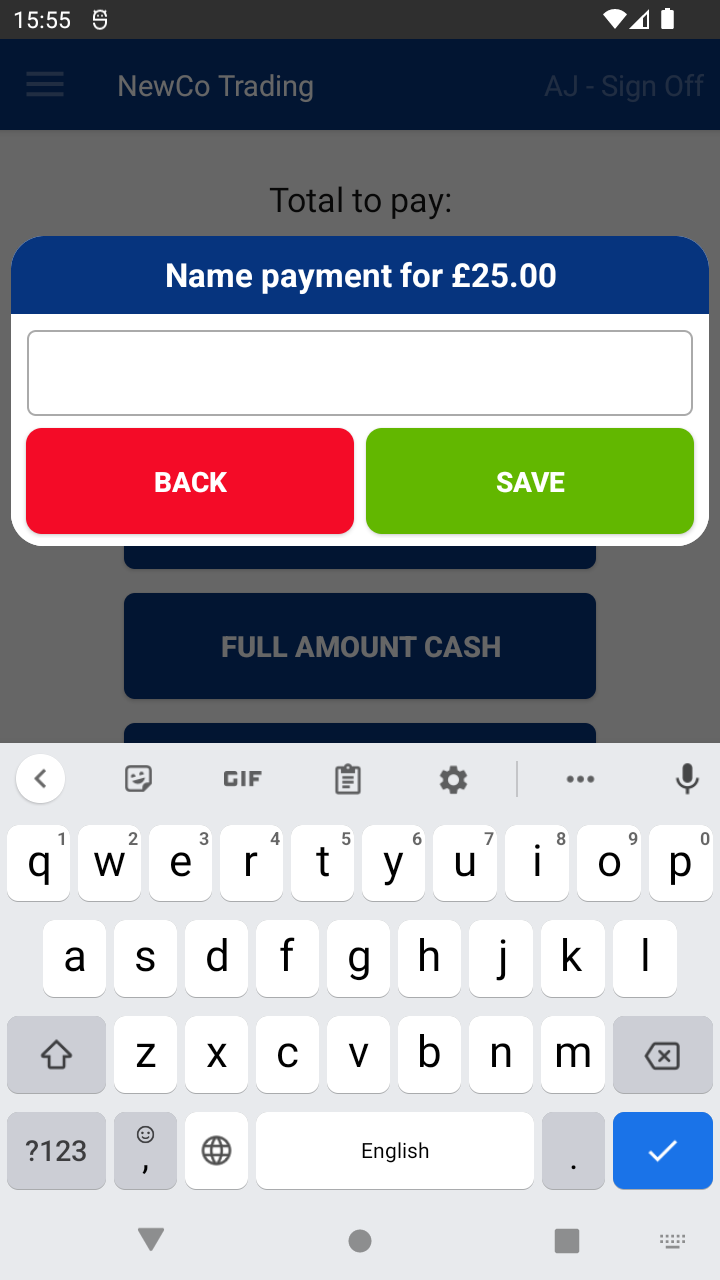
- After typing your entry, tap Save.
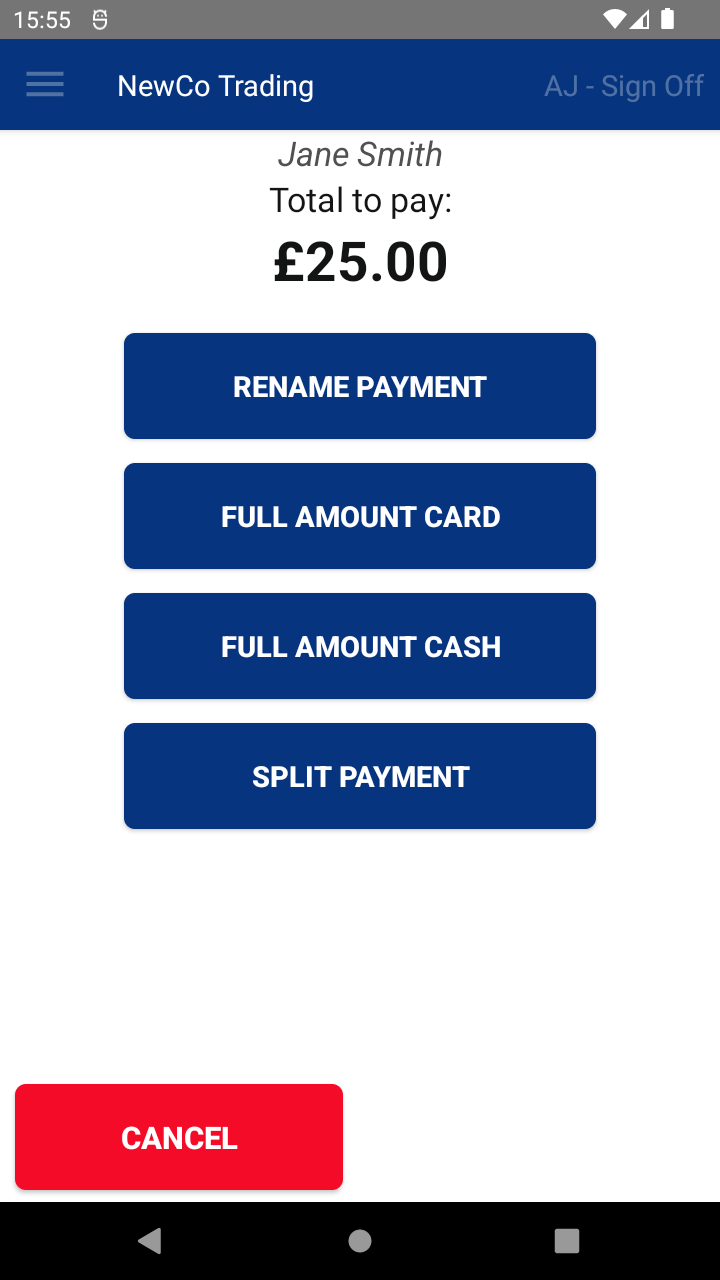
- The transaction name will appear at the top of the screen for the remainder of the process.
Where the Transaction Name Appears:
- In the Transaction History on your terminal
- In the Transaction Report on the Web Portal
If you don’t require this feature, you can easily disable it.

