On certain screens, you can access the main menu by tapping the hamburger icon ( β° ) in the top left.

From here, you can access:
β οΈ The menu may be greyed out during transactions. Complete or cancel the current process to enable it.
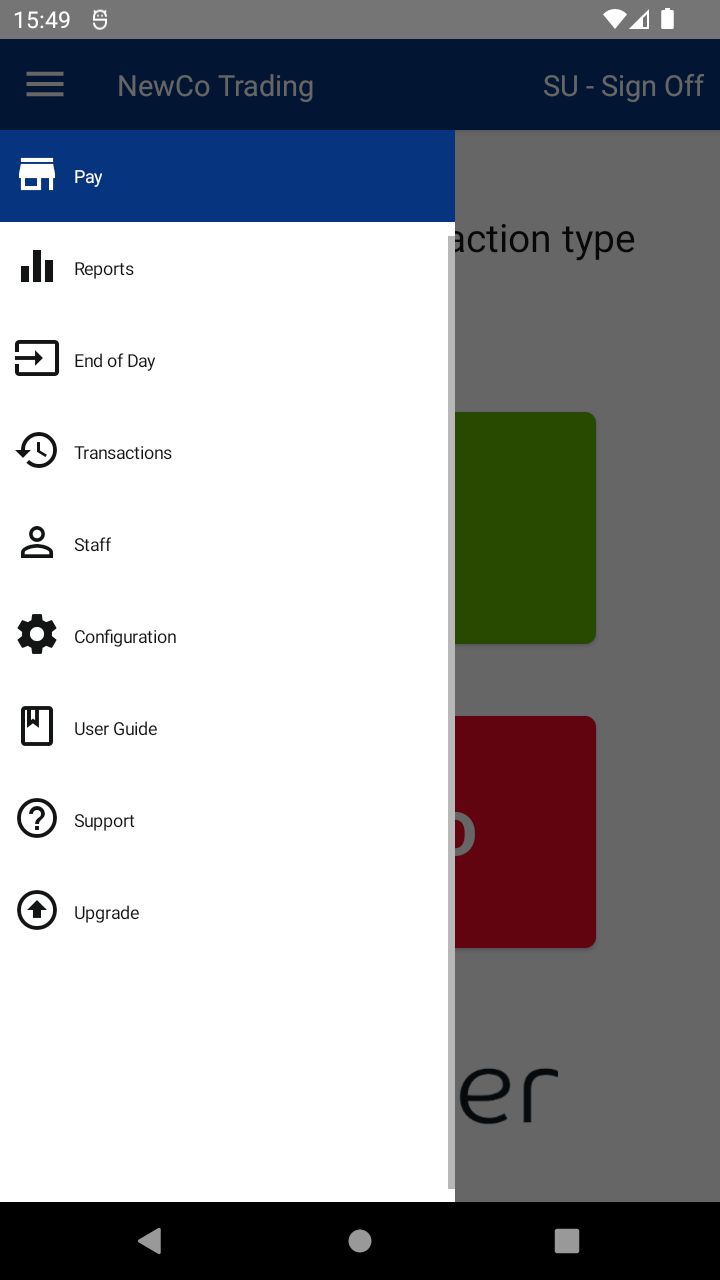
On certain screens, you can access the main menu by tapping the hamburger icon ( β° ) in the top left.

From here, you can access:
β οΈ The menu may be greyed out during transactions. Complete or cancel the current process to enable it.

Thank you! Your comment has been submitted for approval.