Sometimes you may need to take a card payment manually by entering the customer's card details. This is typically used when taking a payment over the phone.
This type of payment may be referred to as:
- Cardholder Not Present (CNP)
- MOTO
- Mail Order
- Telephone Order
Please note: Manual card payments are dependent on your payment application and Acquirer supporting this feature. The options available may vary depending on your payment terminal.
📱 Processing a Manual Card Payment
To process a MOTO or Cardholder Not Present transaction, enter your payment amount as usual and tap CARD.
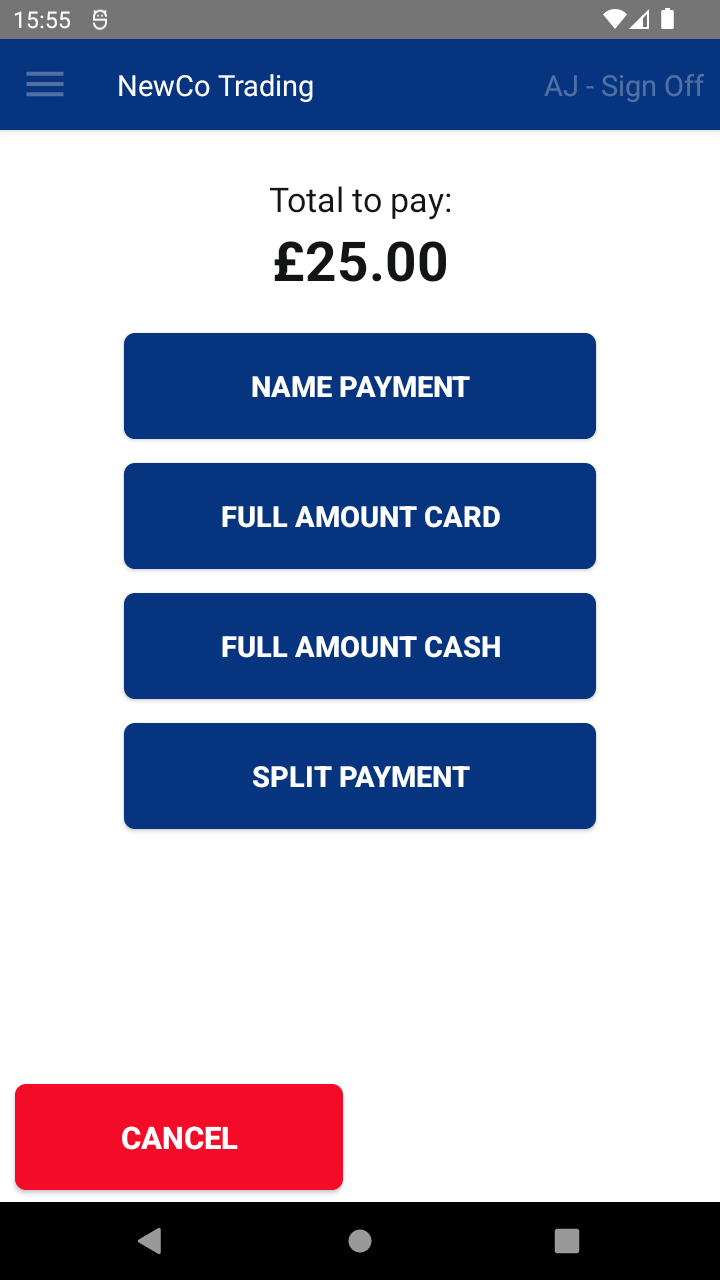
You will then need to follow the appropriate steps for your payment terminal.
Castles Terminals (CastlesPay) i.e. S1F2, S1F4
On the Present Card screen:
- Tap MANUAL. This is located at the bottom-right of the screen.

- Enter the Card Number using the keypad and tap OK.

- Enter the Card Expiry Date and tap OK.

- When asked if the card is present, tap YES or NO as appropriate.

- Enter the CVV Code (the security code on the back of the card) and tap OK.

- Enter the Postcode. If the keyboard does not appear, simply tap OK.

- Enter the Address. If the keyboard does not appear, simply tap OK.

- The transaction will now be processed.

- Once approved, tap OK to print the customer copy of the receipt, or tap NO to skip printing.

- You will then be returned to the standard Transaction Summary screen.


PAX Terminals (Positive) i.e. A920 Pro, A77
On the Present Card screen:
- Tap CARD NOT PRESENT. This is located at the bottom-right of the screen.

- Enter the Card Number and Card Expiry Date using the keypad and tap DONE.

- Enter the CSC Code (the security code on the back of the card) and tap DONE.

- Select whether the transaction is a Mail Order or Telephone Order.

- The transaction will now be processed.

- Once complete, you will be returned to the standard Transaction Summary screen.


❓ Can't See the Manual Payment Option?
If you do not see a MANUAL or CARD NOT PRESENT option on your terminal, this feature may not be supported.
We recommend contacting your Solution Provider to confirm whether manual card payments are available on your payment solution.

