Your system comes pre-configured with both custom tip amounts and pre-set tip buttons enabled. You can tailor these settings to match your business preferences.
🖥️ To Configure Tip Options in the Web Portal:
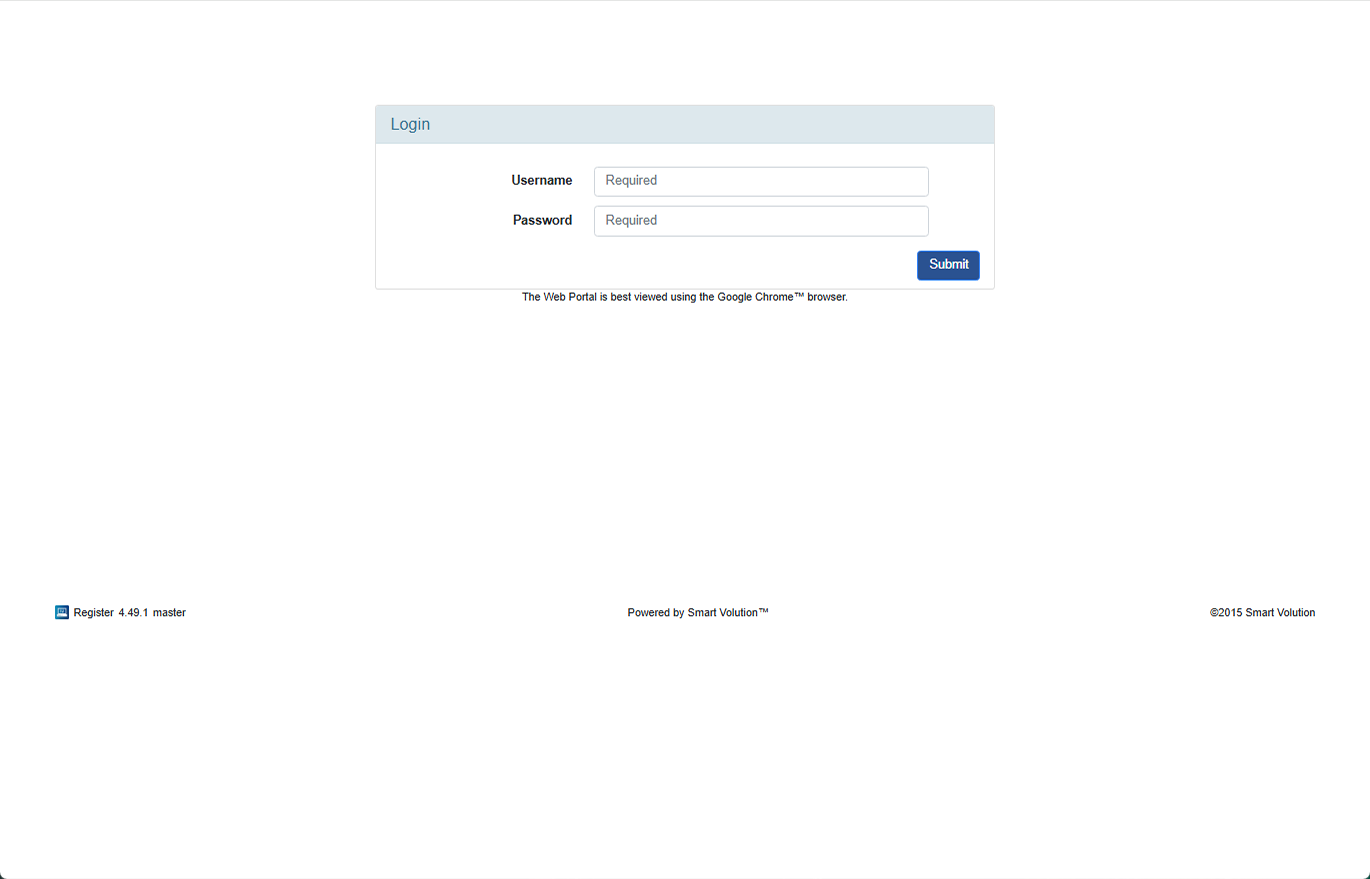
- Log in to the Web Portal using the credentials provided by your Solution Provider.
- Click Config in the top navigation bar.
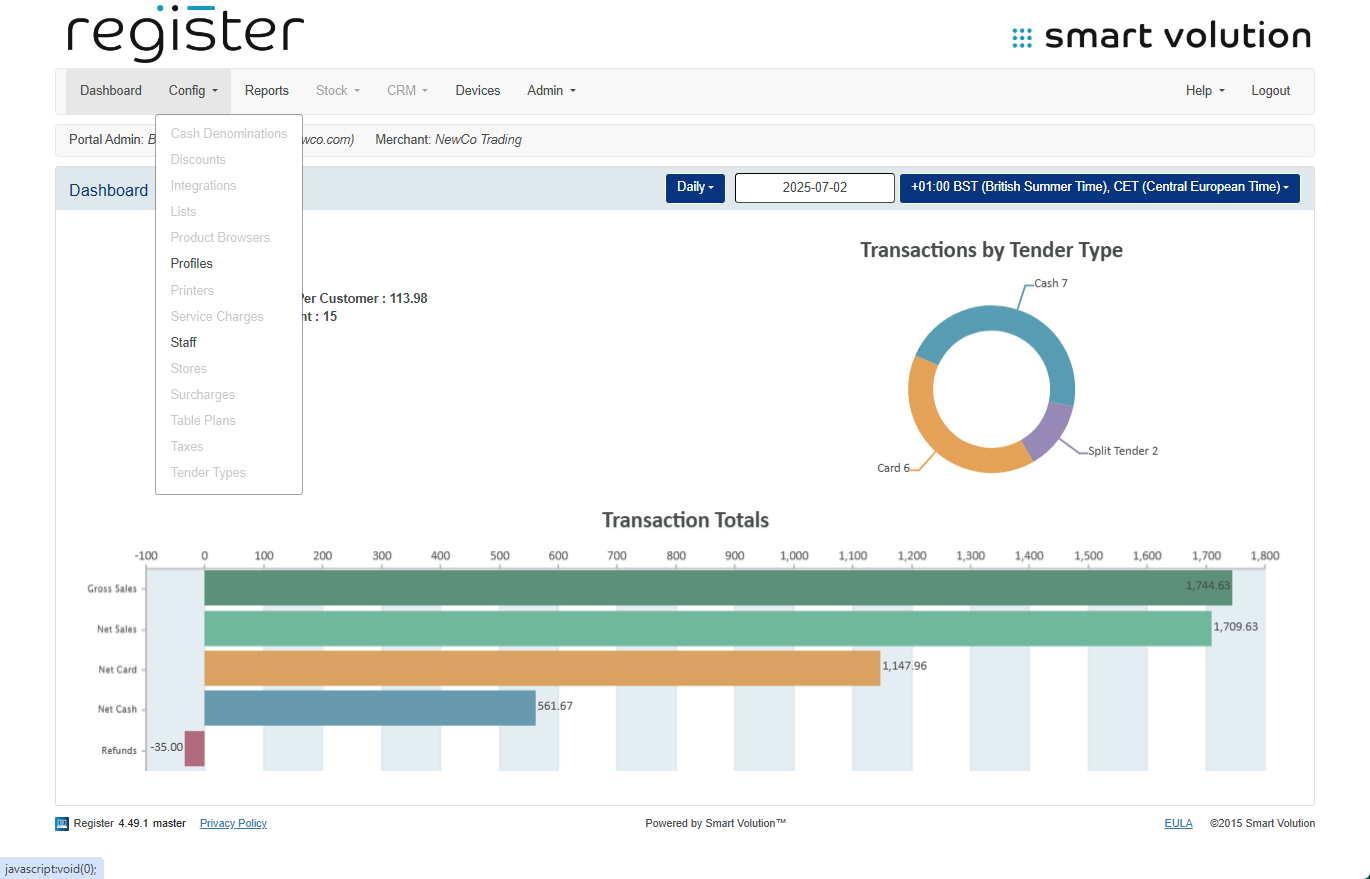
- Select Profiles from the sub-menu.
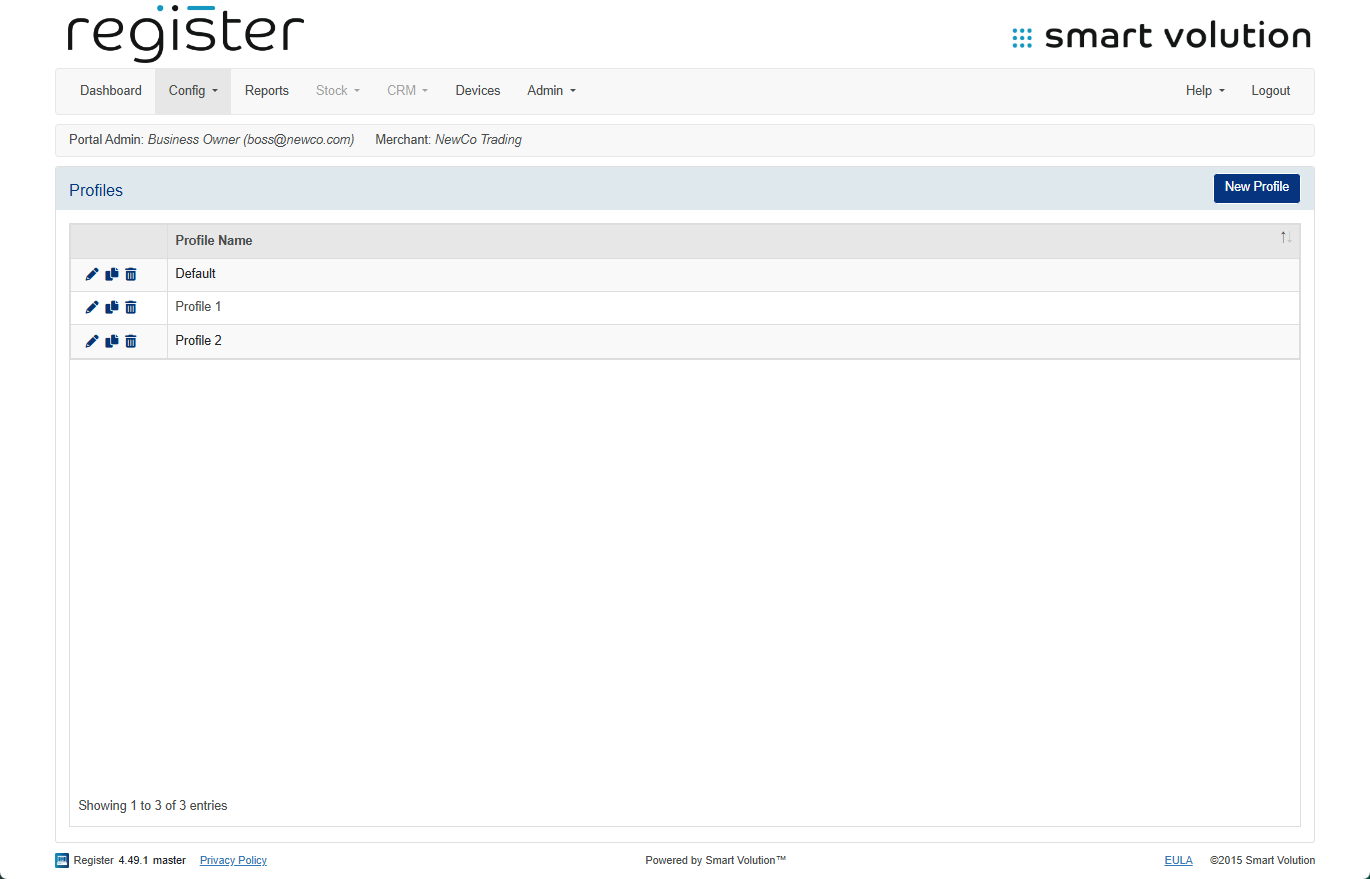
- Find the Profile assigned to your device and click the Edit ( ✎ ) icon.
- You can confirm which profile your device uses under the Devices tab.
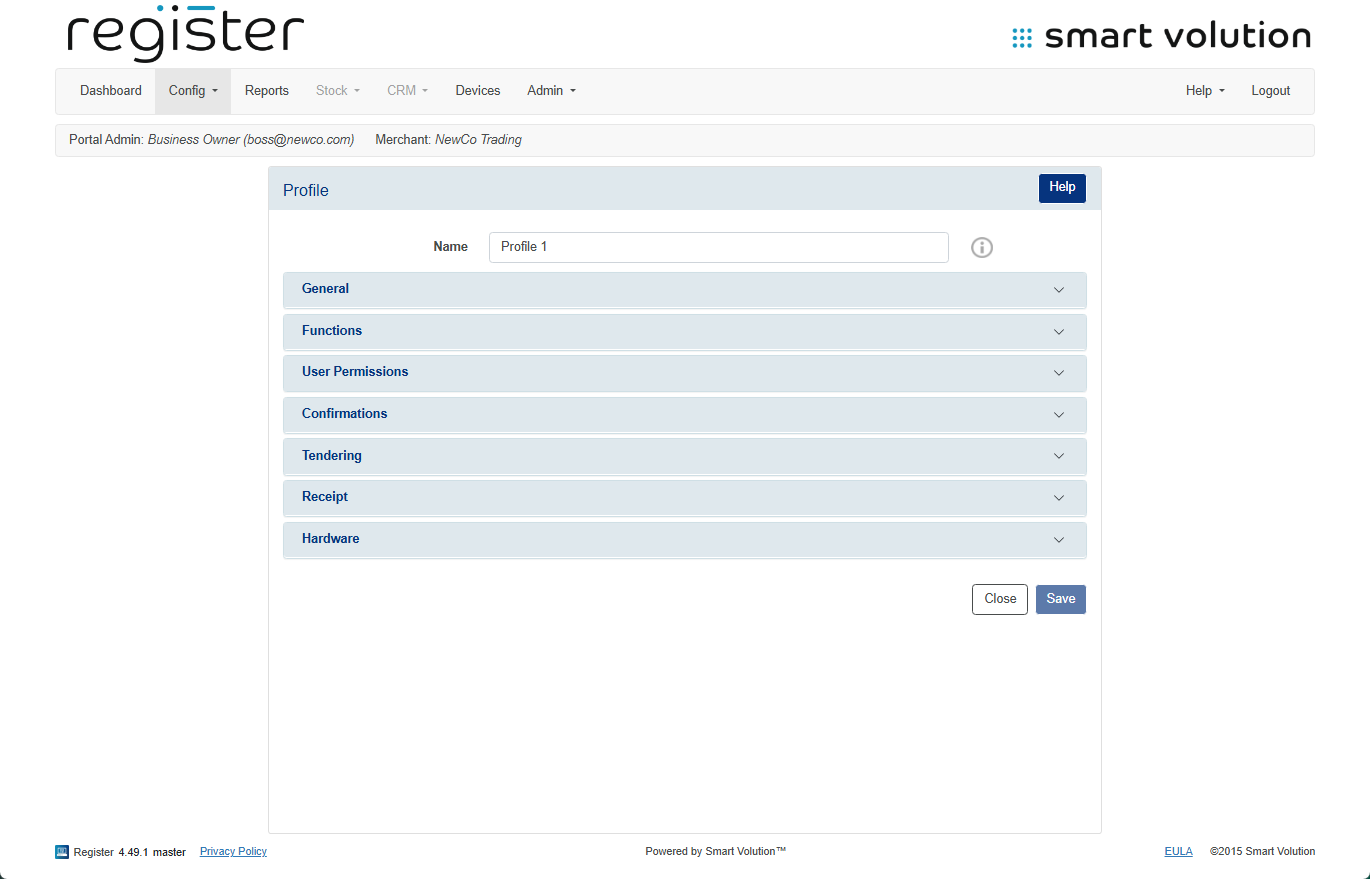
- You can confirm which profile your device uses under the Devices tab.
- Expand the Functions section.
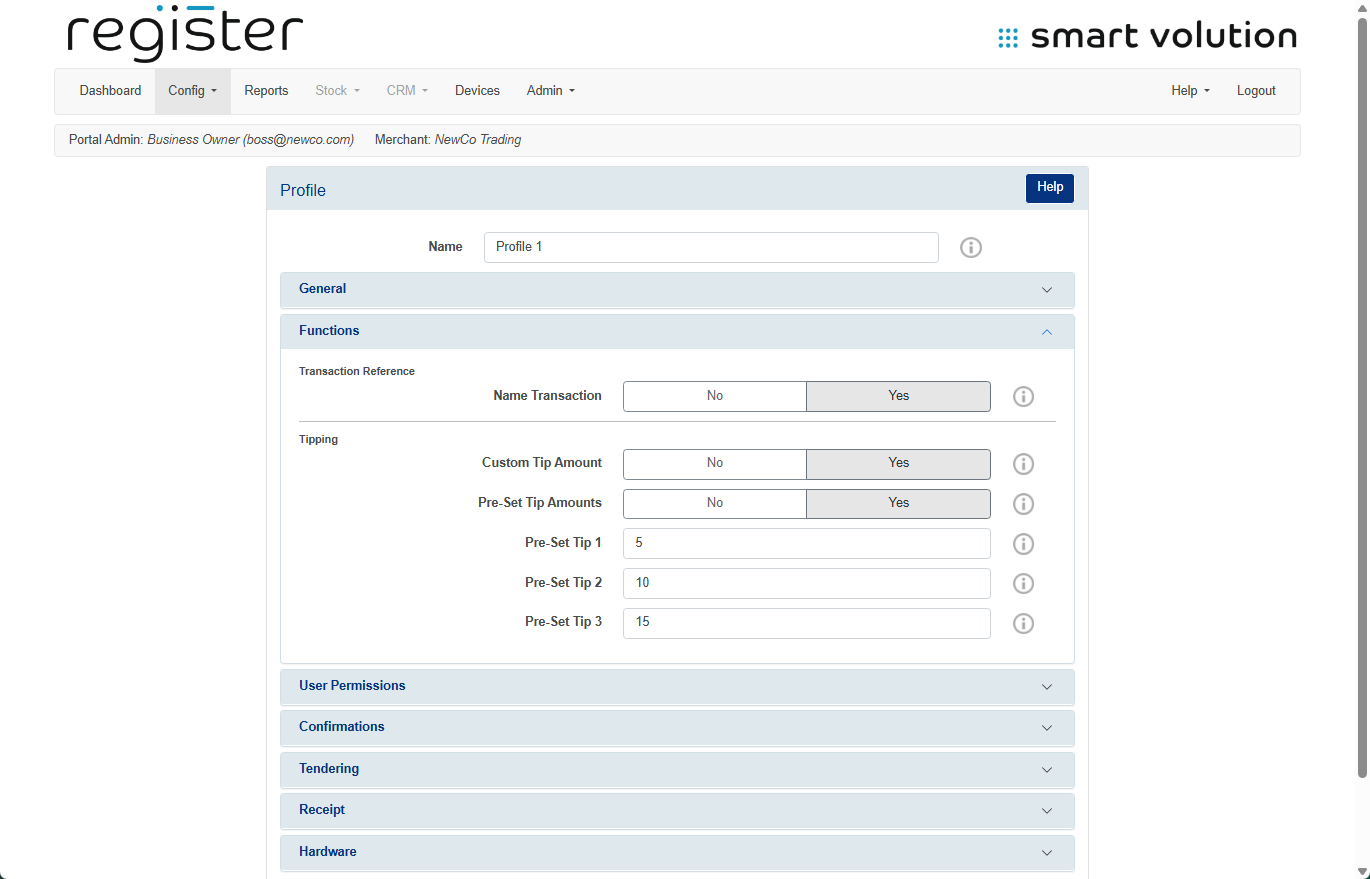
🔧 Configure Your Preferences:
- Disable custom tip entry
Set Custom Tip Amount to No to prevent users from entering a bespoke tip value. - Disable pre-set tip buttons
Set Pre-Set Tip Amount to No to remove the three fixed-percentage tip options. - Adjust preset tip percentages
Use the Pre-Set Tip 1–3 fields to input your desired percentage values (e.g., 5, 10, 15). - Disable tipping altogether
Set both Custom Tip Amount and Pre-Set Tip Amount to No.
- Click the Save button at the bottom of the screen.
📱 To Apply the Changes on Your Device:
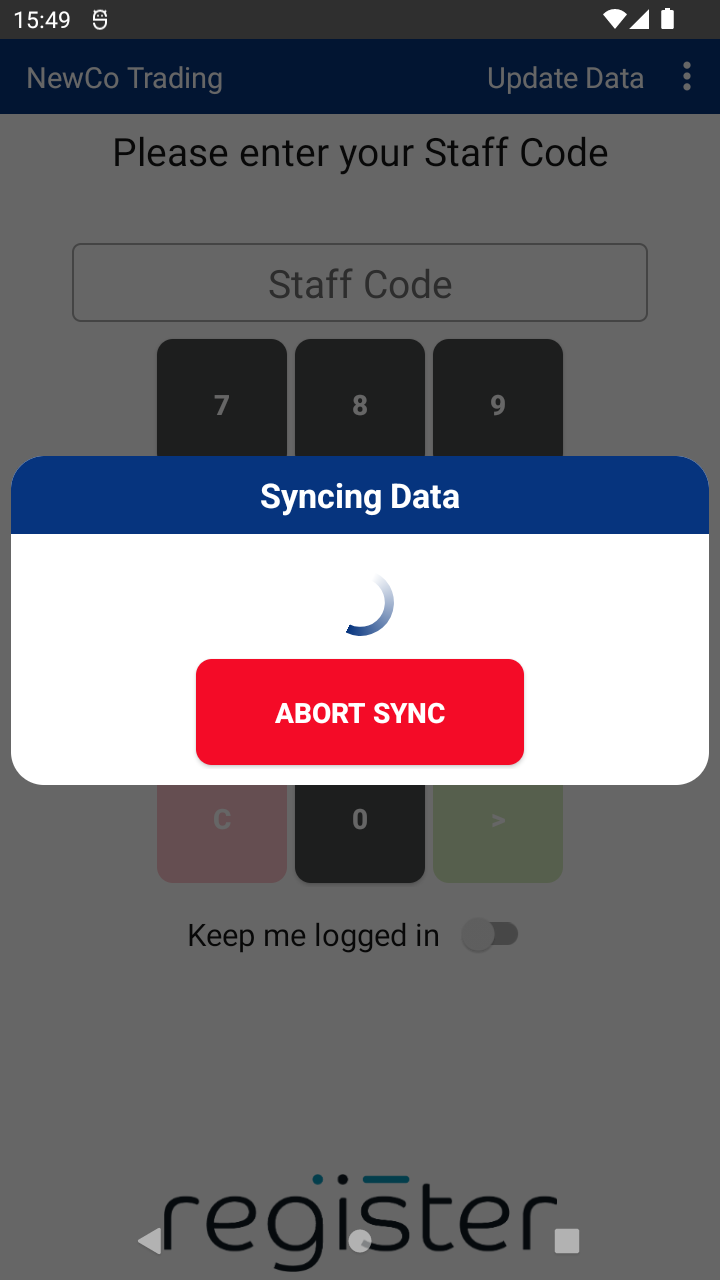
- On the login screen of your device, tap the Update Data button (top right) to sync the latest settings.