By default, your system allows split payments—useful when a customer wants to pay with multiple methods (e.g., part cash, part card) or when a group splits the bill. However, you can disable this feature easily if it's not needed.
🖥️ Steps to Disable Split Payments via Web Portal:
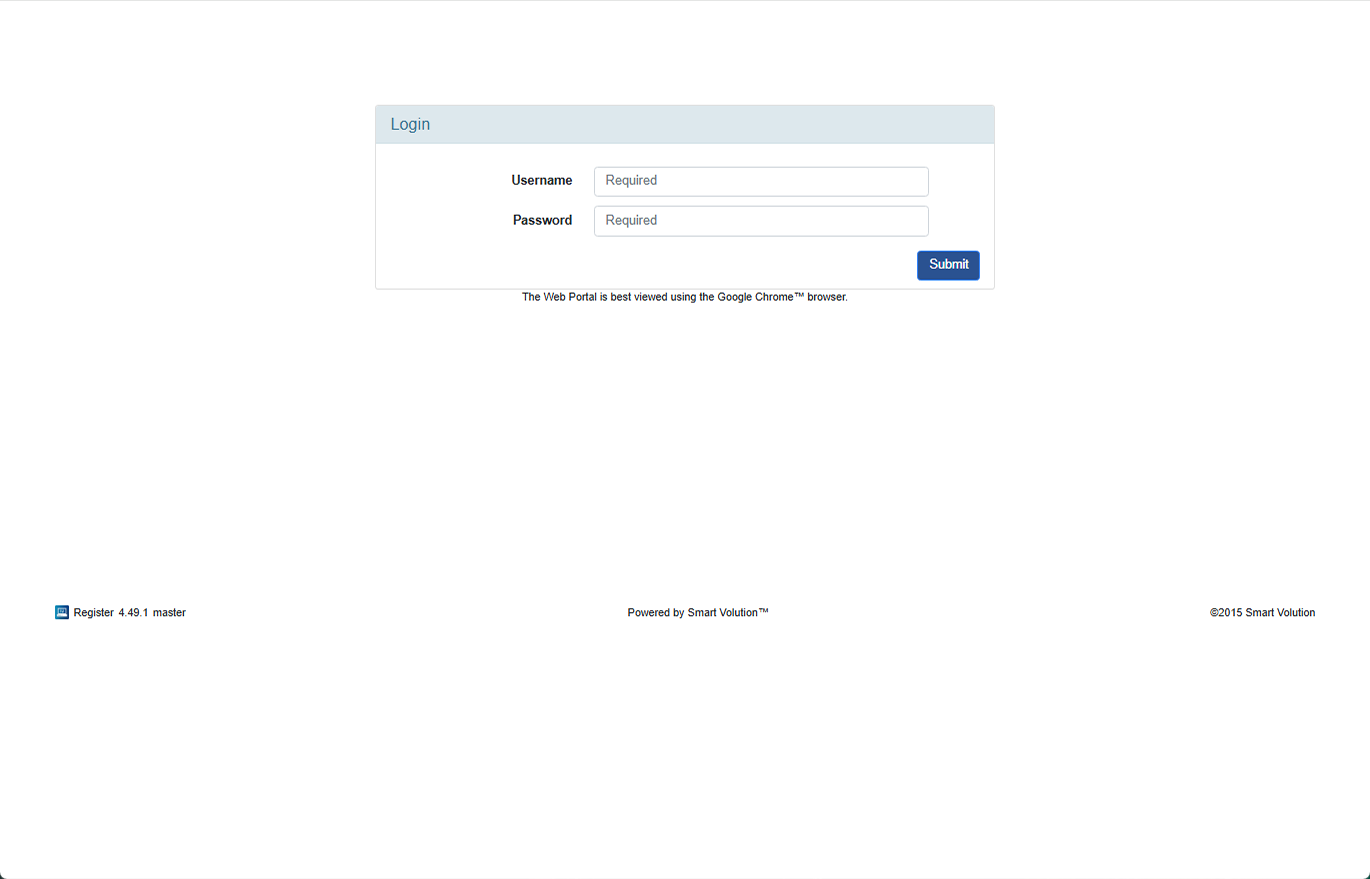
- Log in to the Web Portal using the credentials provided by your Solution Provider.
- Click Config on the top navigation bar.
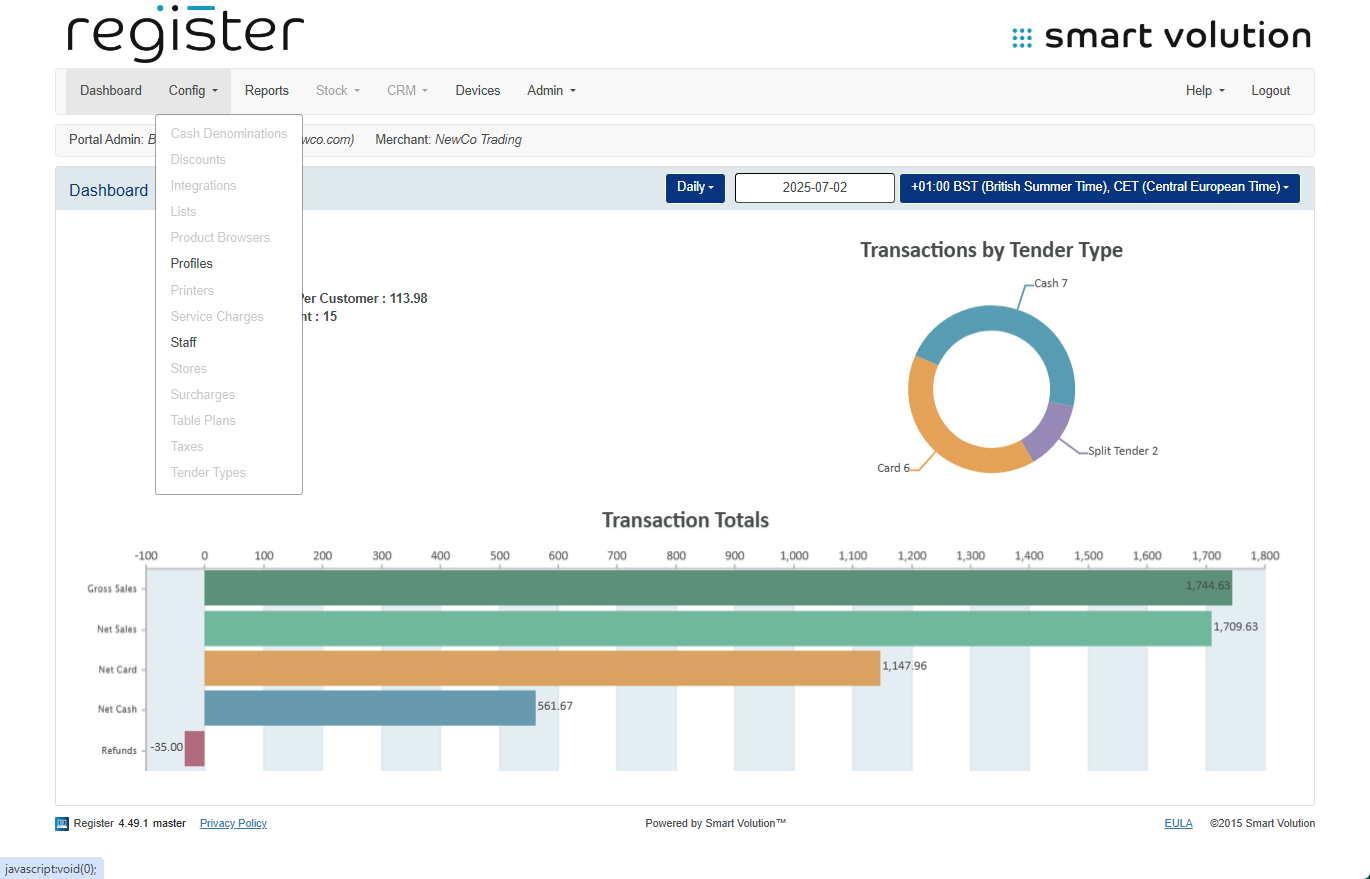
- Select Profiles from the submenu.
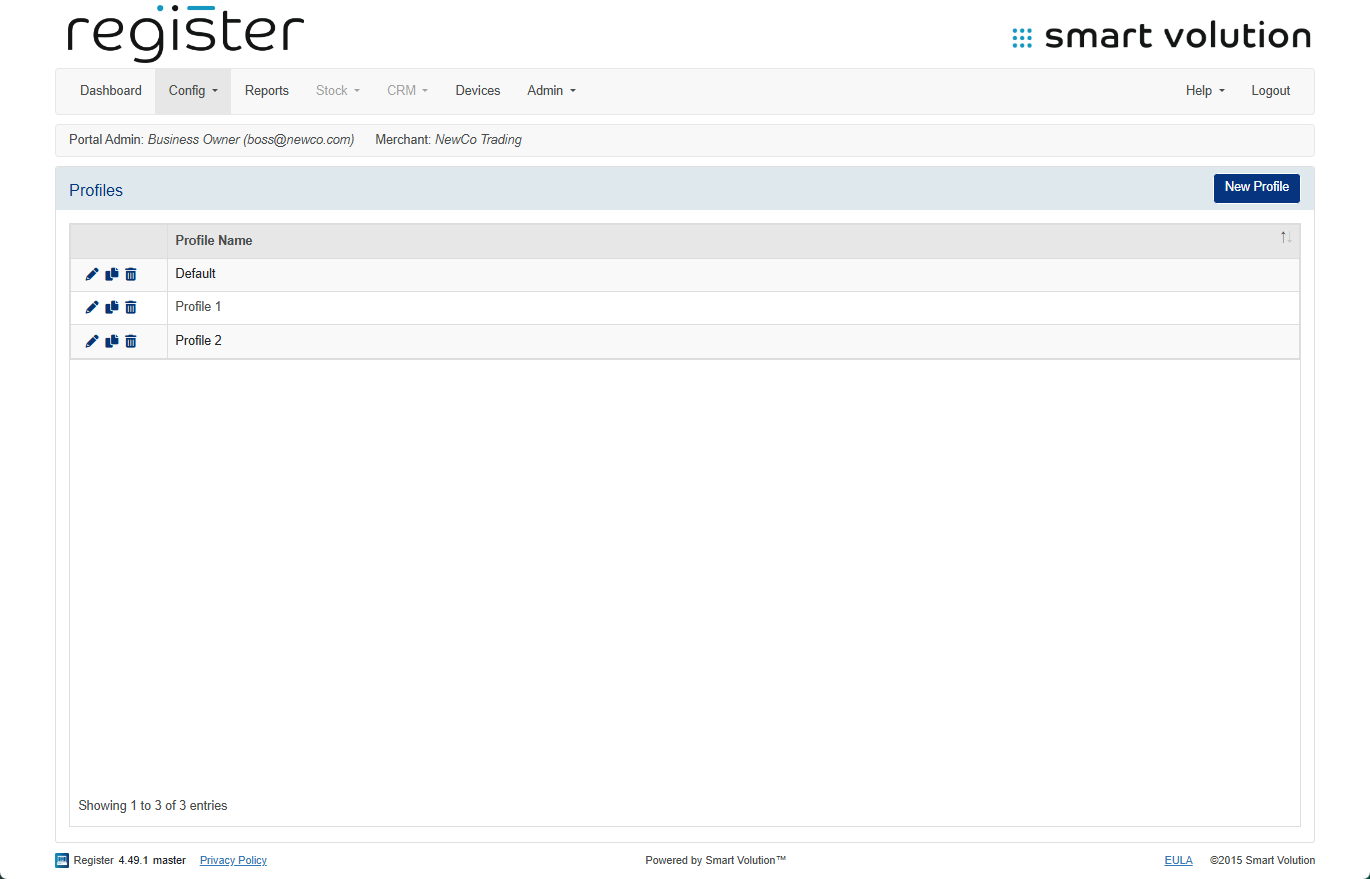
- Identify the profile assigned to your device, then click the Edit ( ✎ ) icon.
- You can confirm which profile your device uses in the Devices tab.
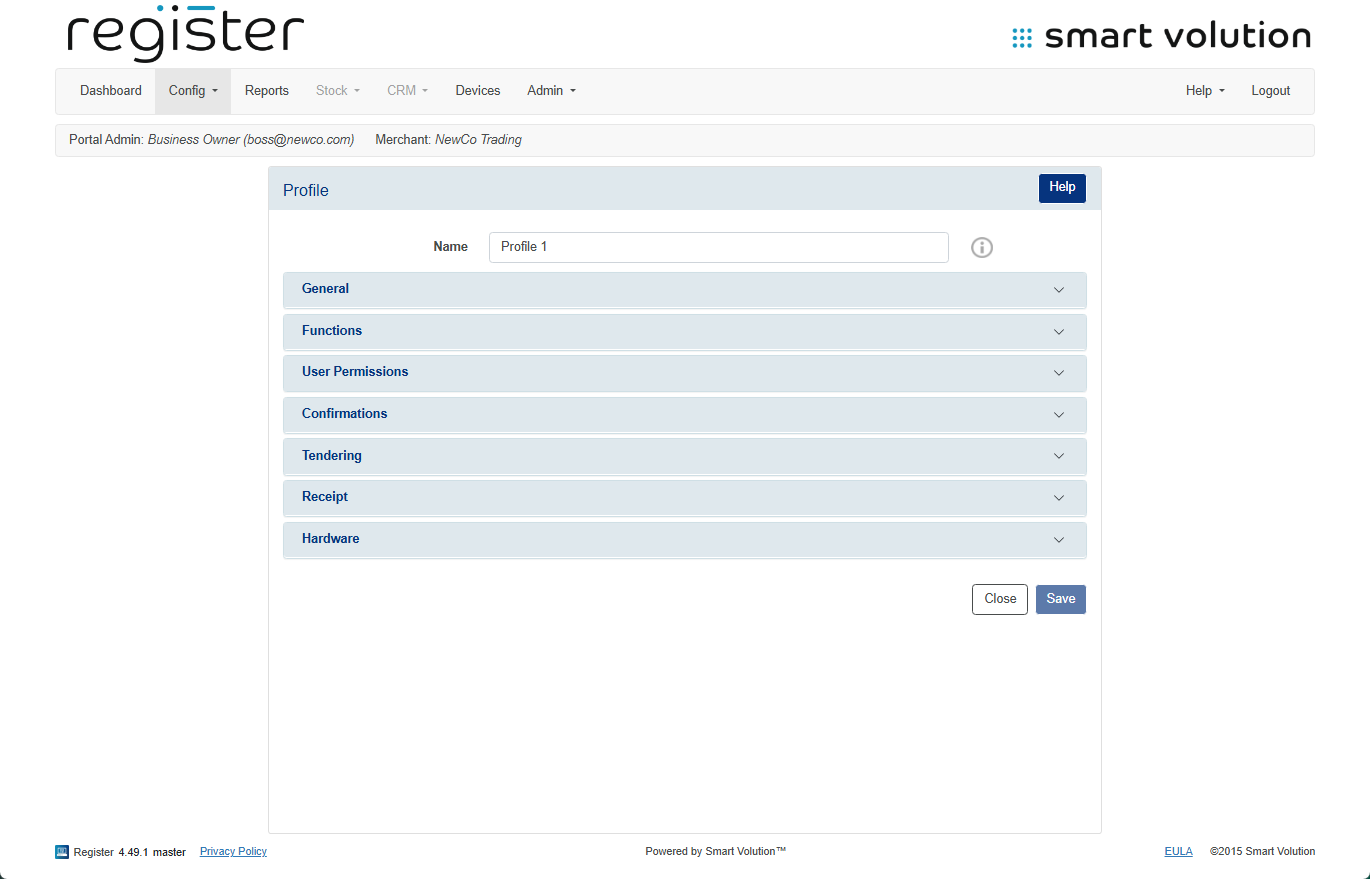
- You can confirm which profile your device uses in the Devices tab.
- Expand the User Permission section.
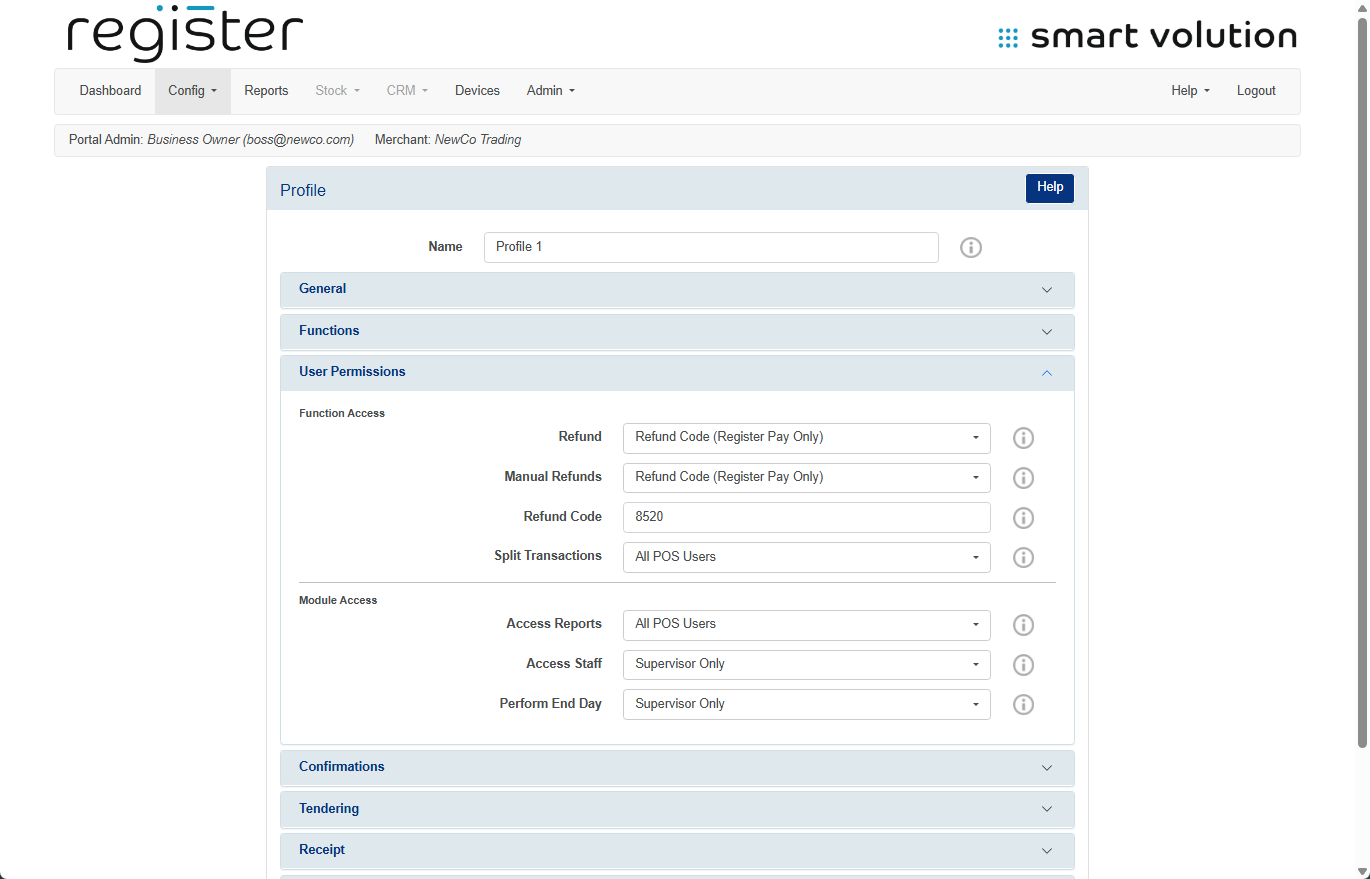
- Set the Split Transactions option to Disabled.
- Click Save at the bottom of the screen.
📲 Apply Changes to Your Device:
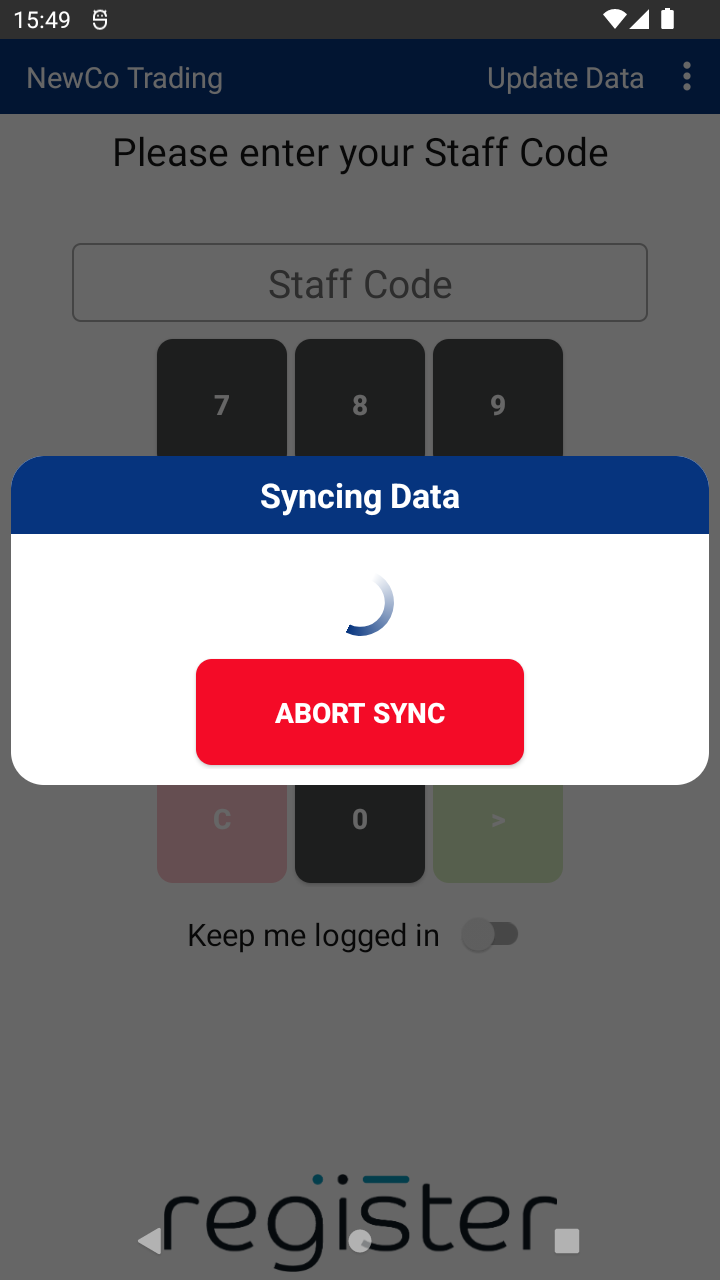
- On your device’s login screen, tap the Update Data button (top right corner) to pull down the updated settings.