By default, the system will automatically print a receipt on the Transaction Summary screen after each sale or refund.
🔁 To Reprint a Receipt:
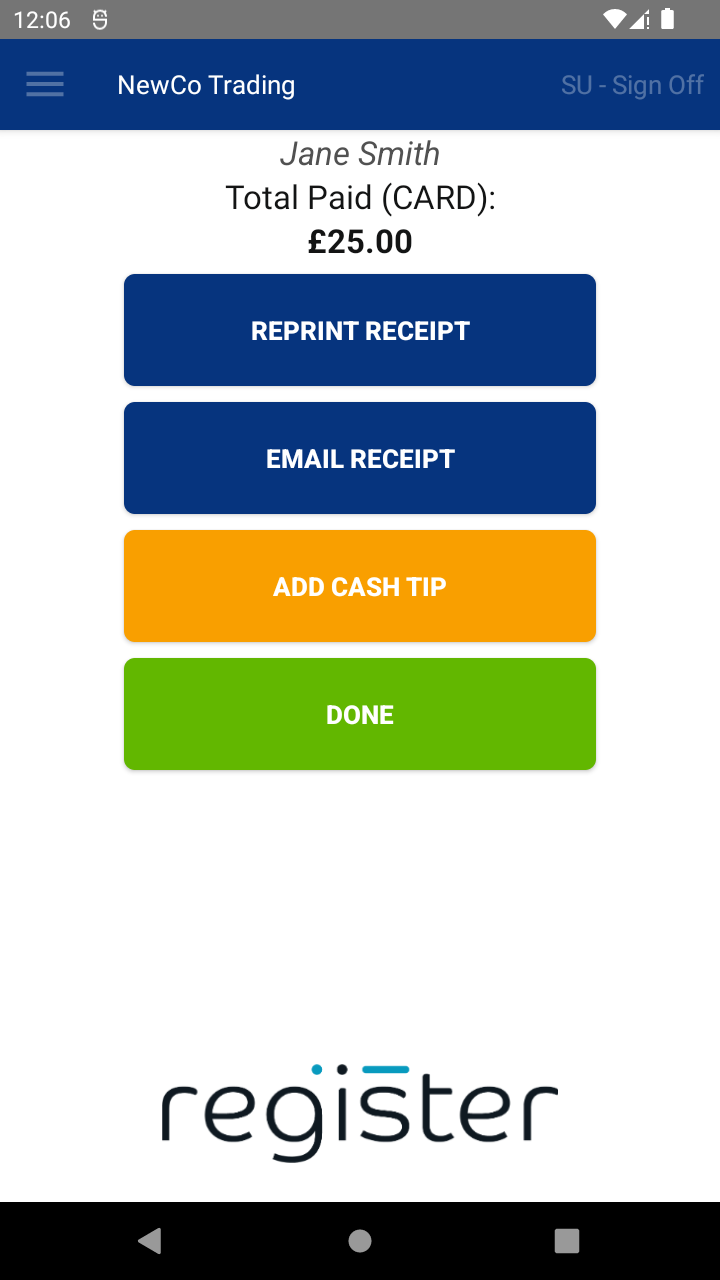
You can reprint a receipt from:
- The Transaction Summary screen
- The Transaction History screen
Simply tap the REPRINT RECEIPT button.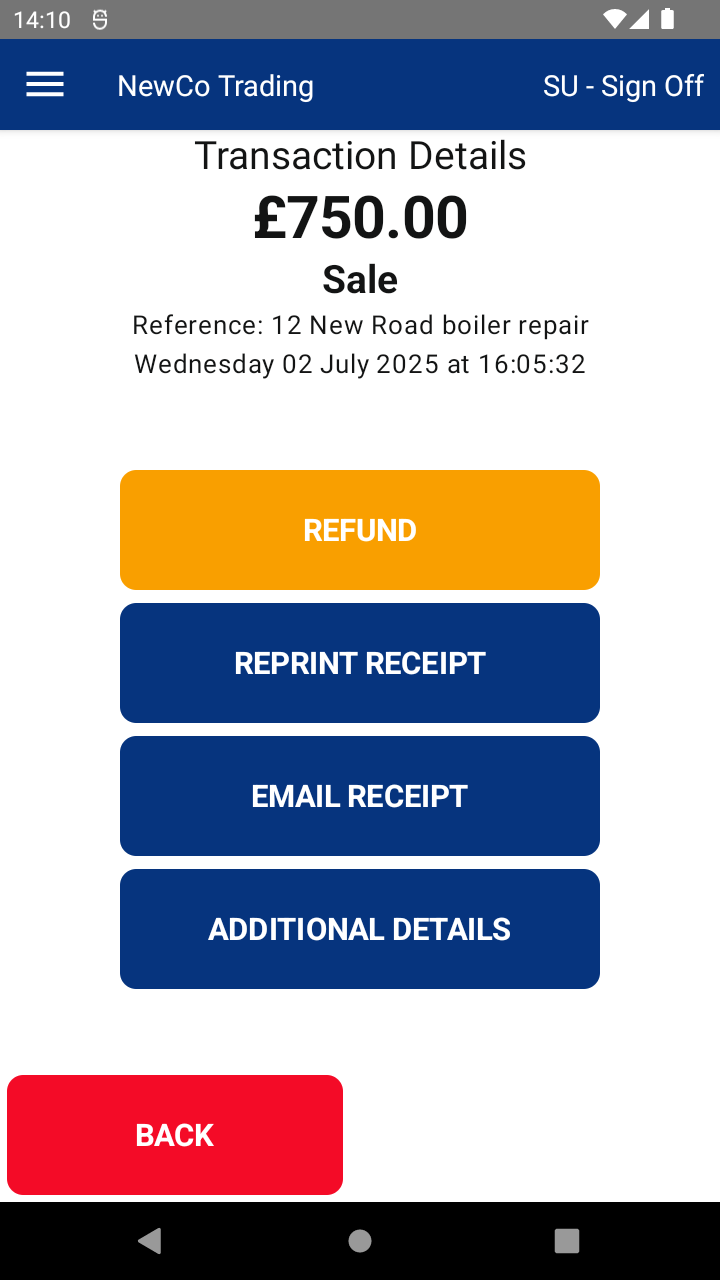
⚙️ Configuration Notes:
- You can choose to turn off automatic receipt printing.
Please note:
In most cases, Cardholder Copy and Merchant Copy receipts are controlled by the payment terminal itself and cannot be configured from within the Register app.
📘 Learn more:

