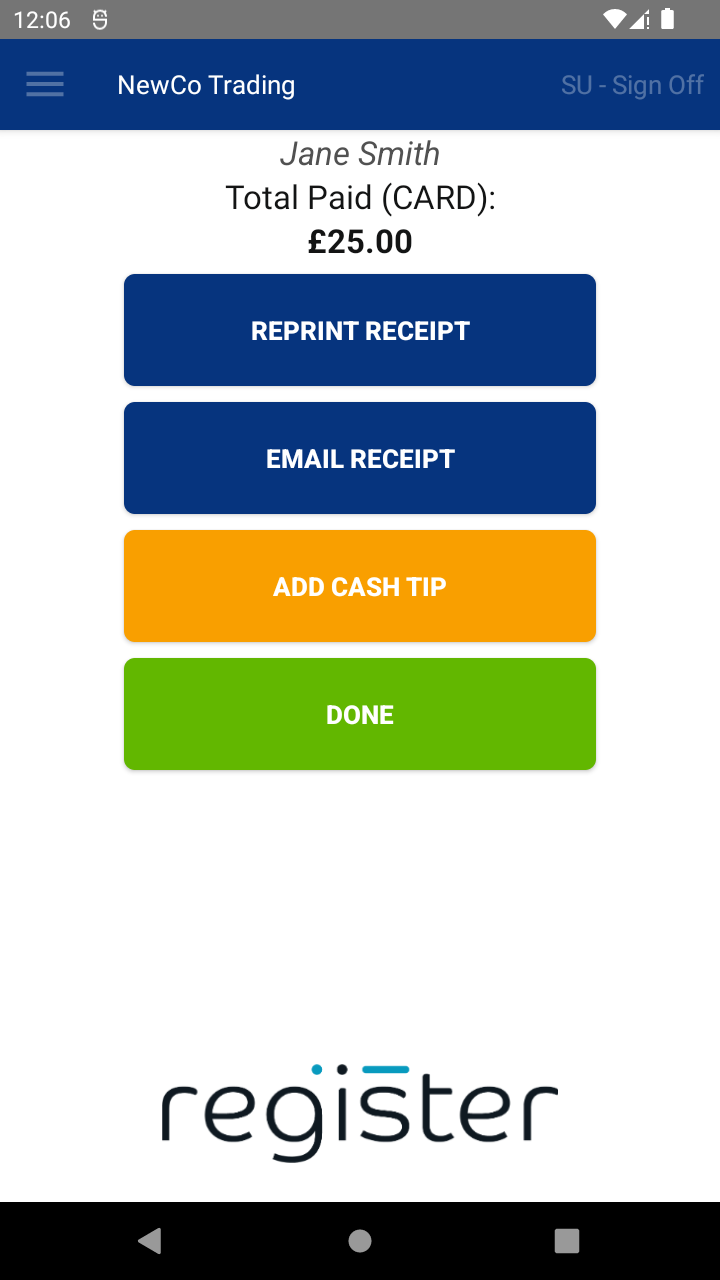
If enabled by your Solution Provider, the system will display an EMAIL RECEIPT button on the Transaction Summary screen.
✉️ Sending an Email Receipt:
- Tap the EMAIL RECEIPT button
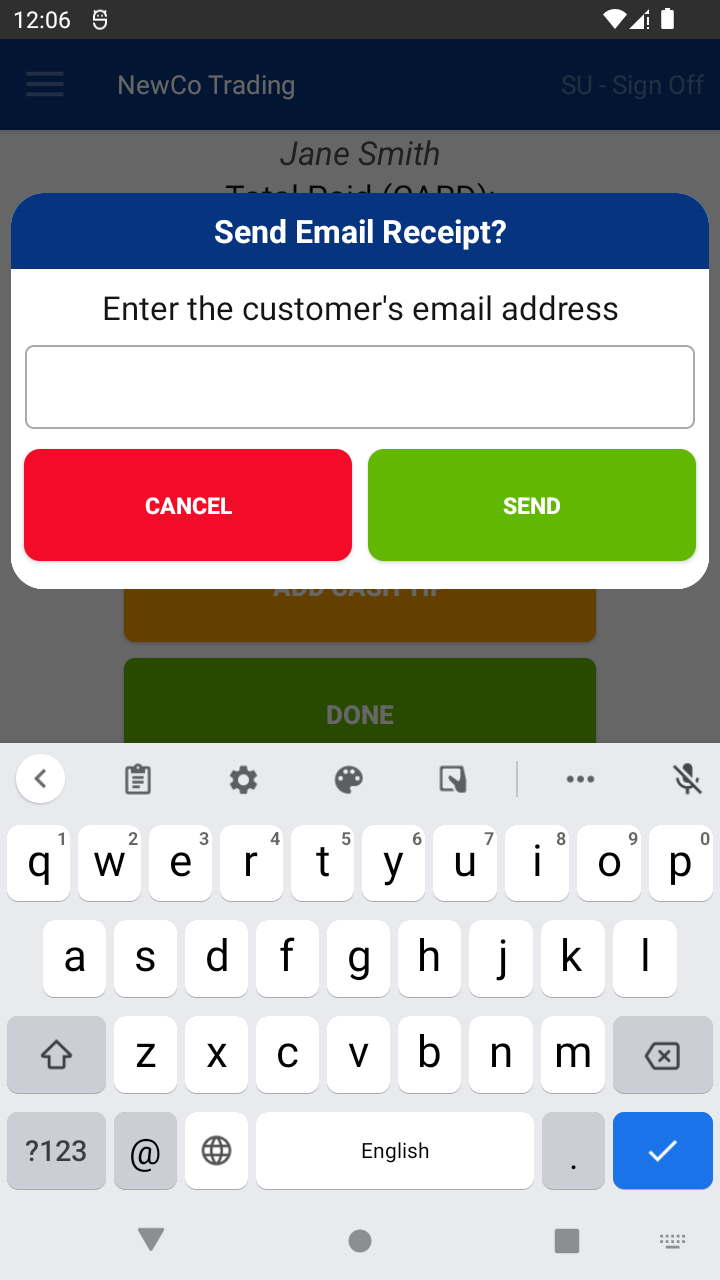
- Enter the customer's email address
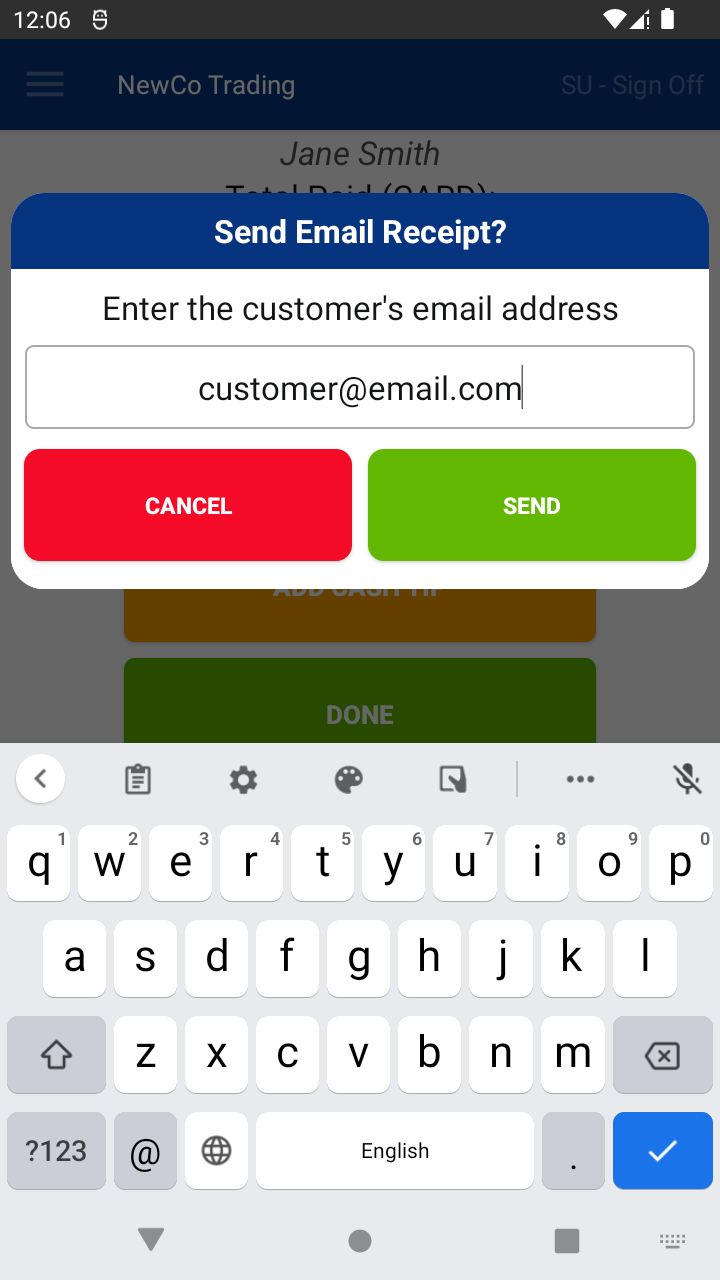
- Tap SEND to email the receipt
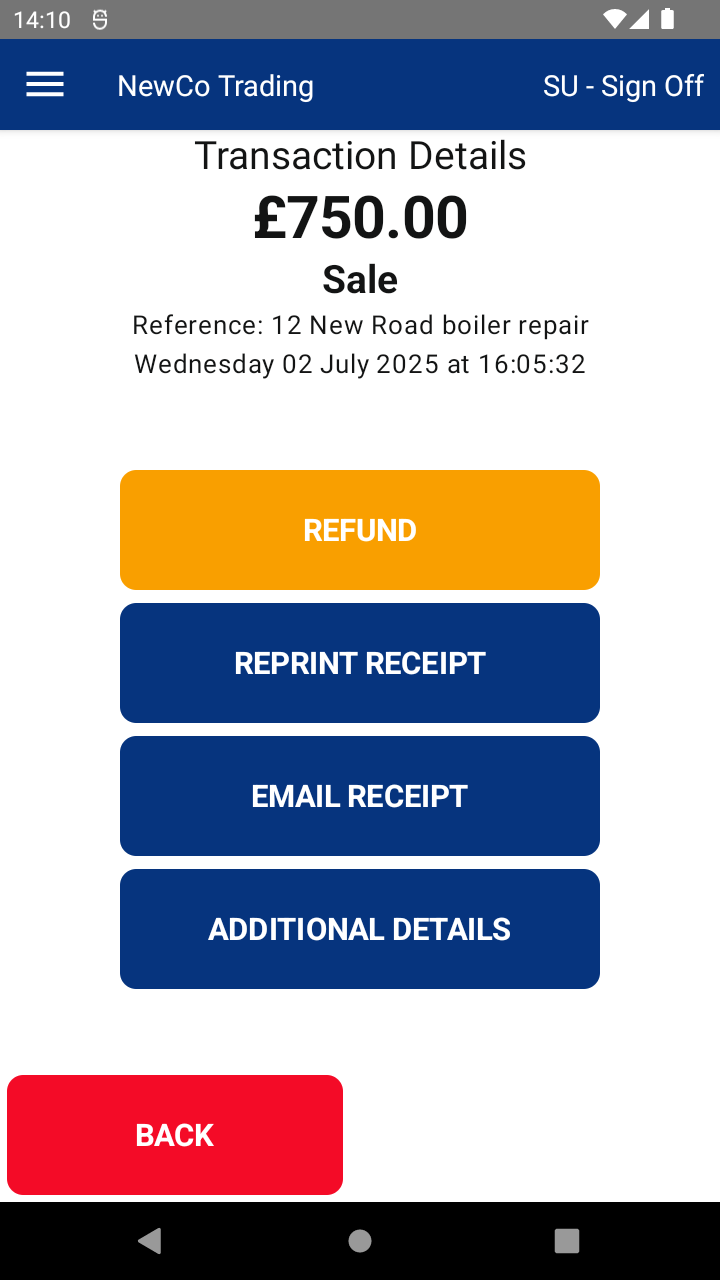
You can also resend email receipts from the Transaction Summary or Transaction History screens using the same button.
⚙️ Configuration Notes:
- Please contact your solution provider if you need assistance with configuring email receipts.
🔒 For privacy:
Email addresses are not stored or saved in the system.

