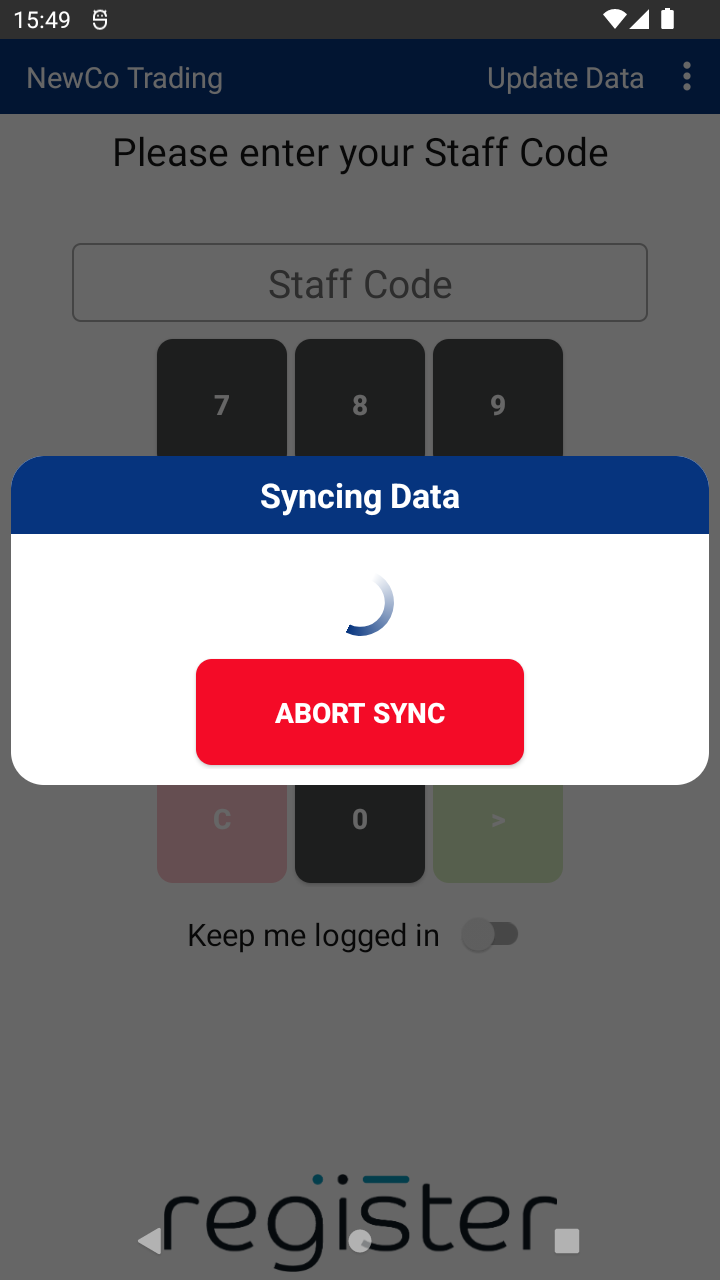
Your system allows staff to name transactions, helpful for identifying sales or refunds later using customer names, invoice numbers, job types, or references. If you prefer to turn this feature off:
🖥️ On the Web Portal:
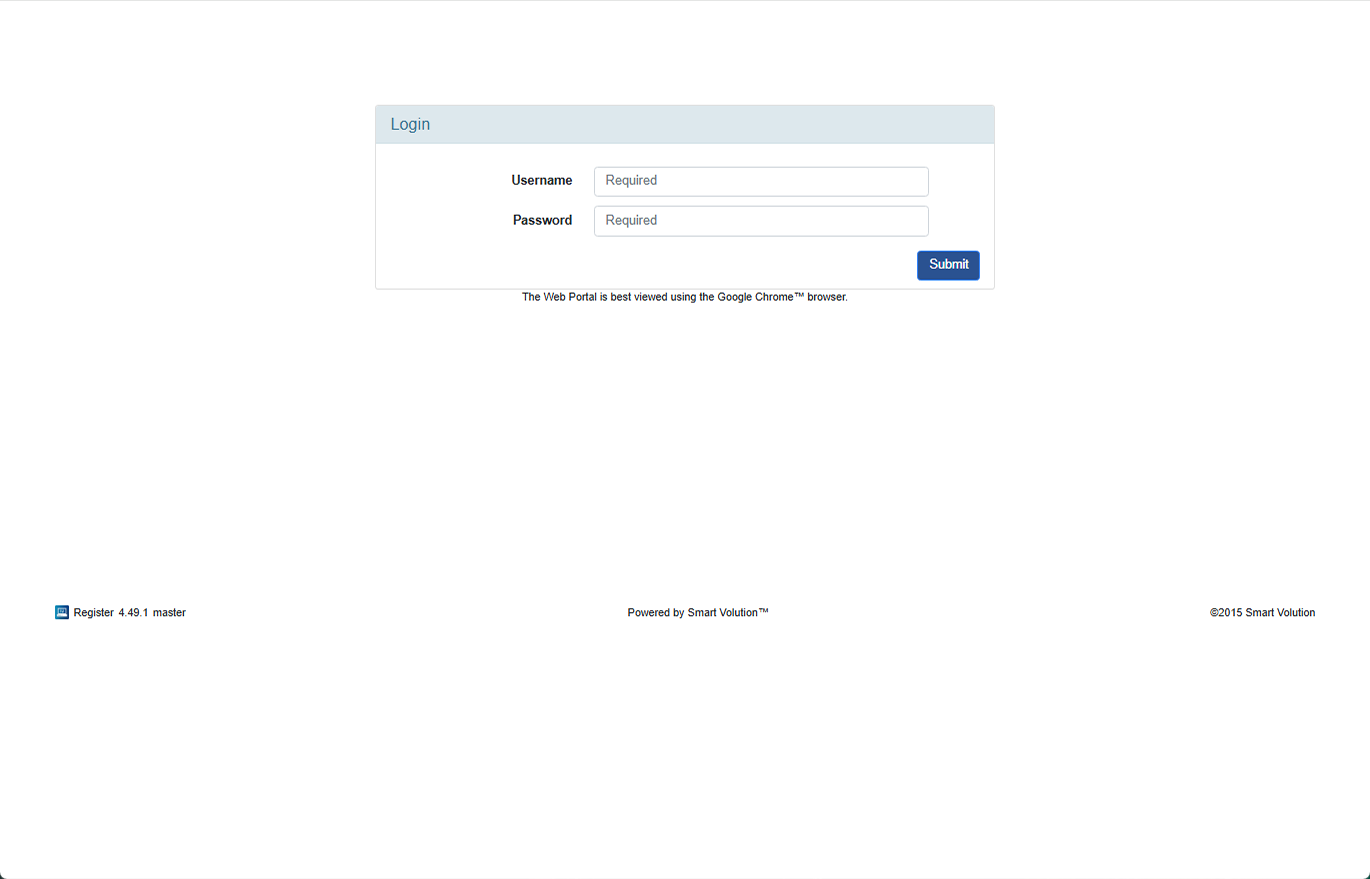
- Log in to the Web Portal using the credentials provided by your Solution Provider.
- Click Config in the top navigation bar.
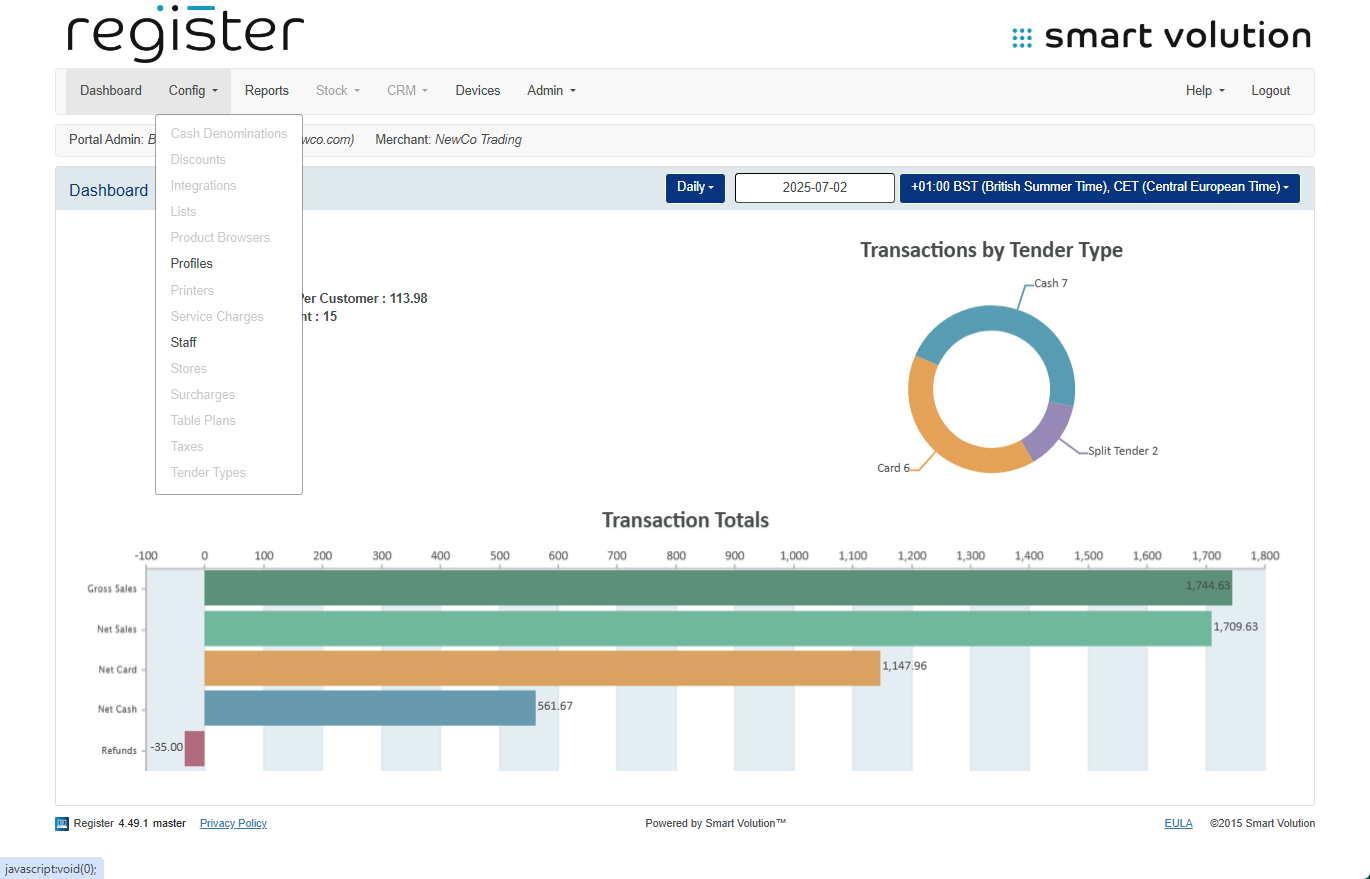
- Select Profiles from the sub-menu.
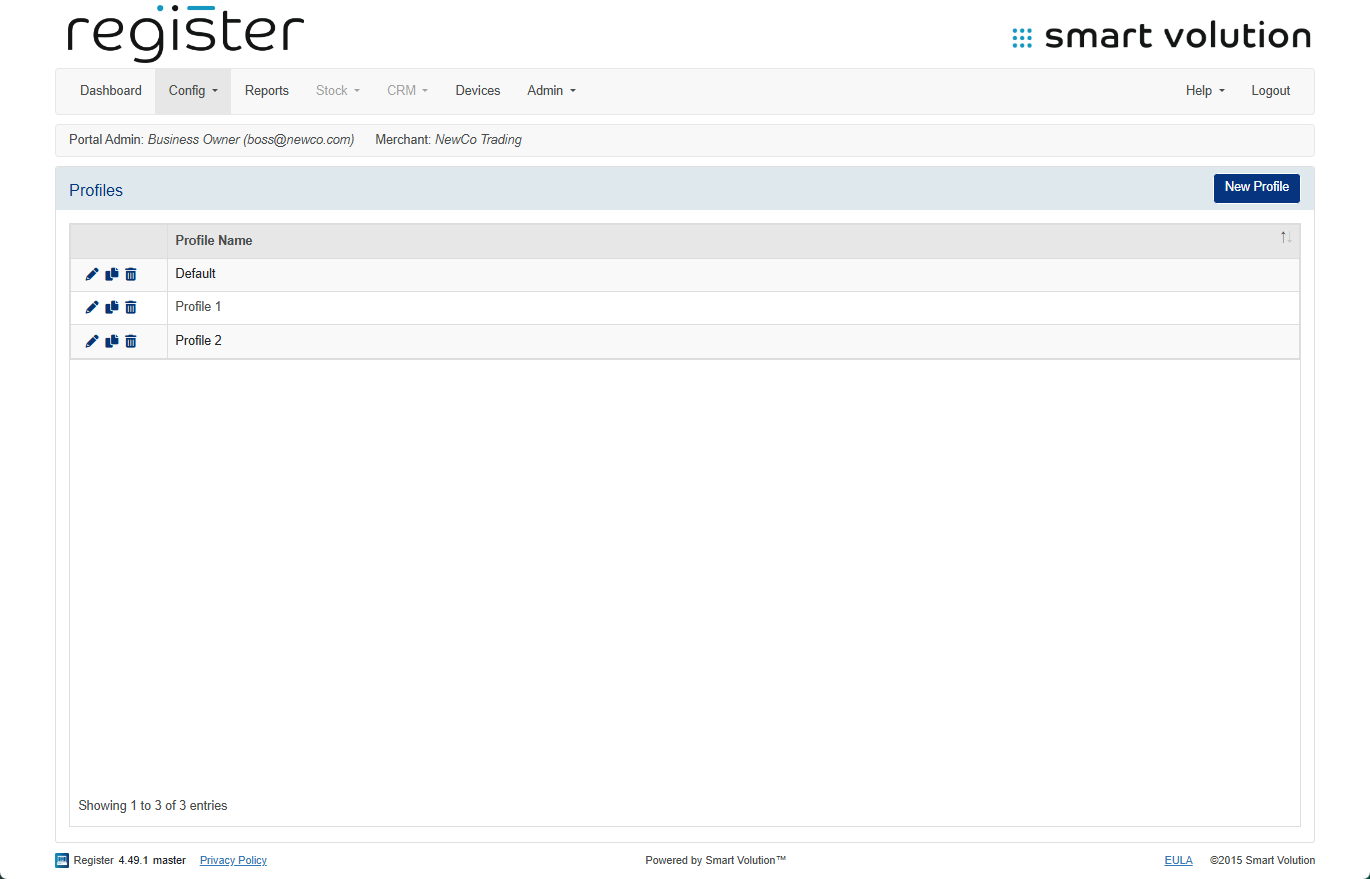
- Find the Profile assigned to your device and click the Edit ( ✎ ) icon.
- You can verify which profile is assigned under the Devices tab.
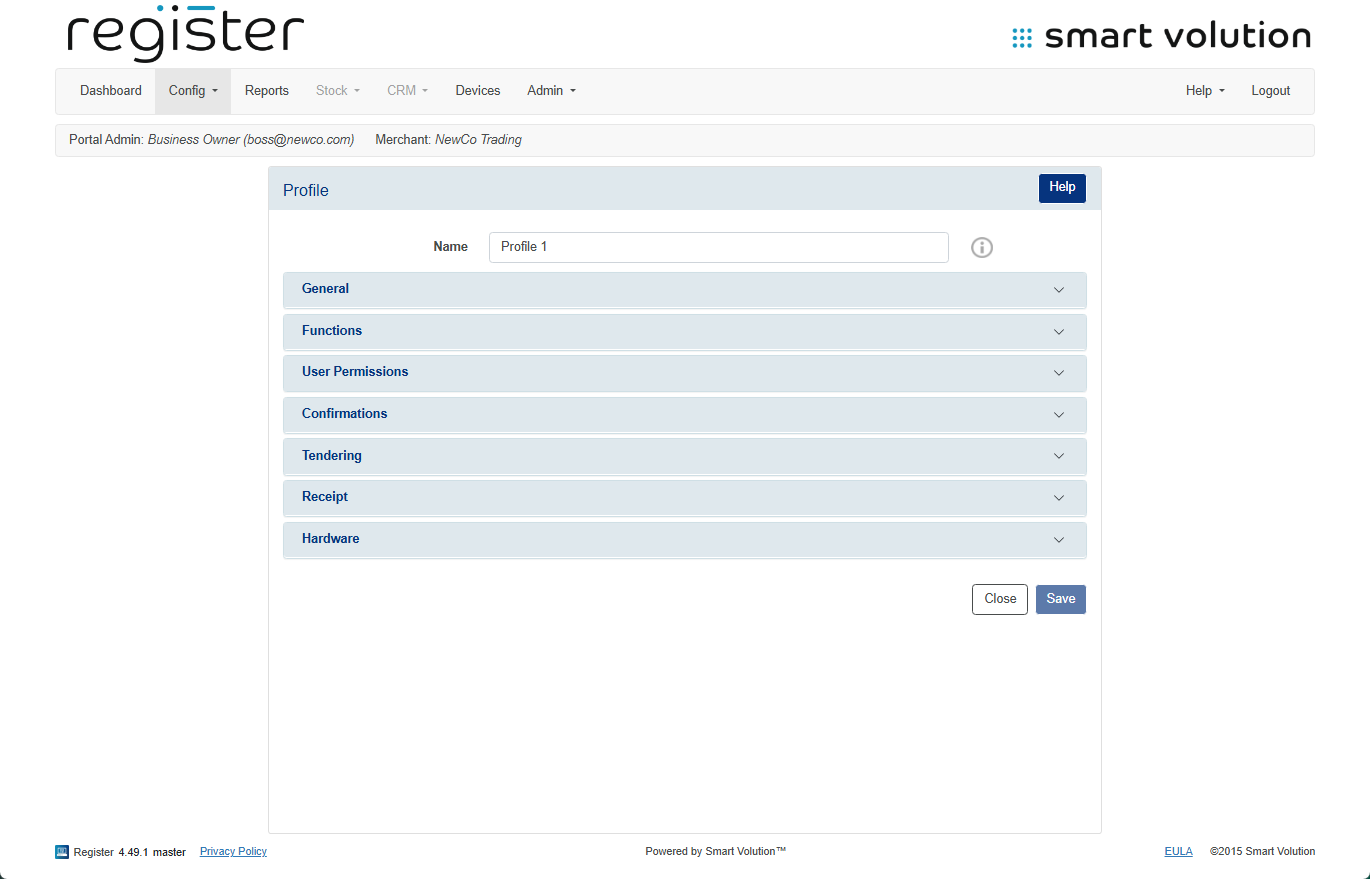
- You can verify which profile is assigned under the Devices tab.
- Expand the Functions section.
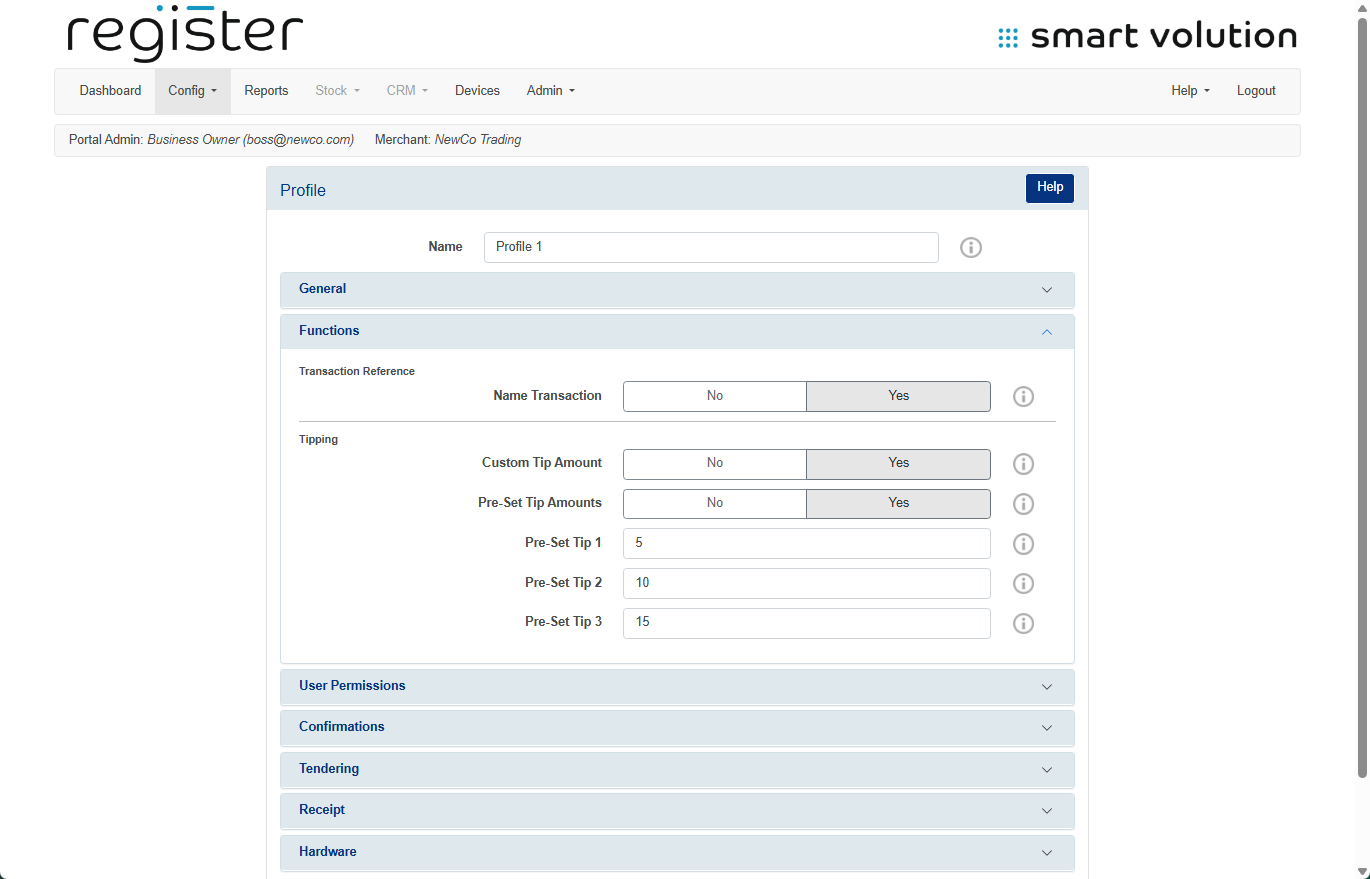
- Set Name Transaction to No.
- Click Save at the bottom of the screen.
📱 On Your Device:
- On the login screen, tap the Update Data button in the top right corner to apply the updated configuration.