If you’re having trouble accessing your device’s Wi-Fi settings, there’s a handy shortcut in the Troubleshooting section inside Configuration.
- Log in, then tap the Menu ( ☰ ) in the top left corner.
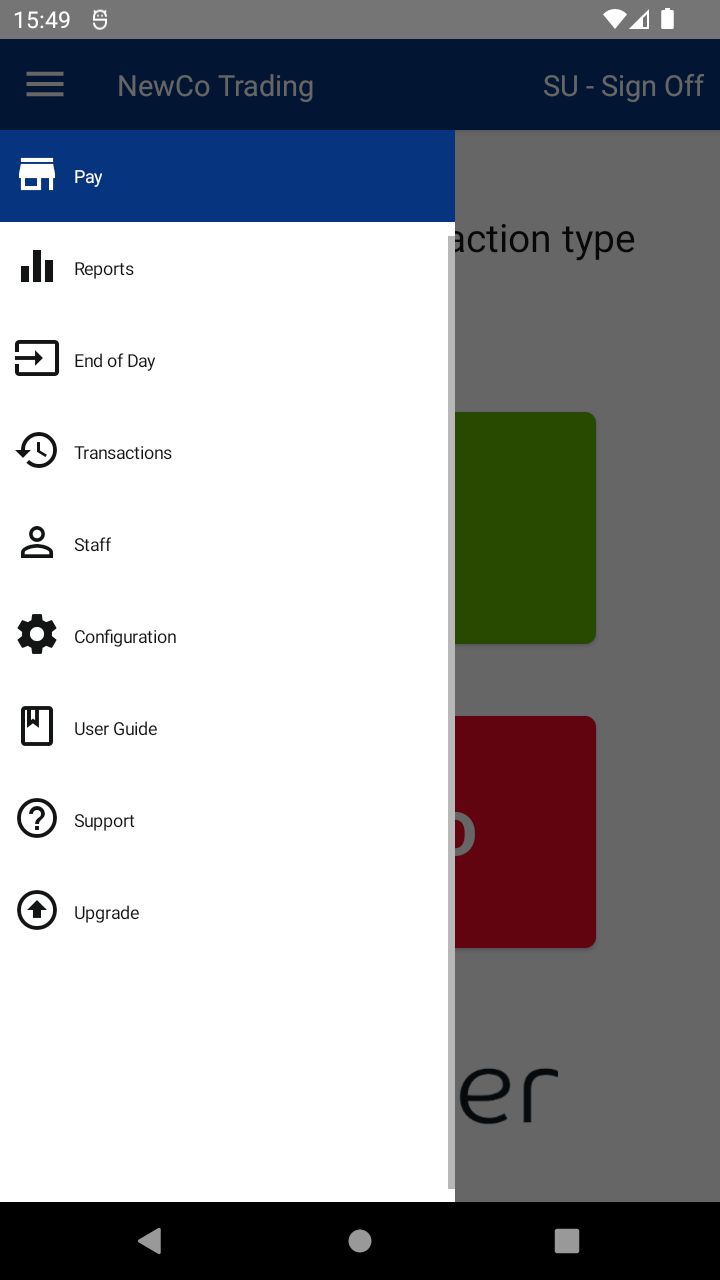
- Tap Configuration, then tap Troubleshooting.
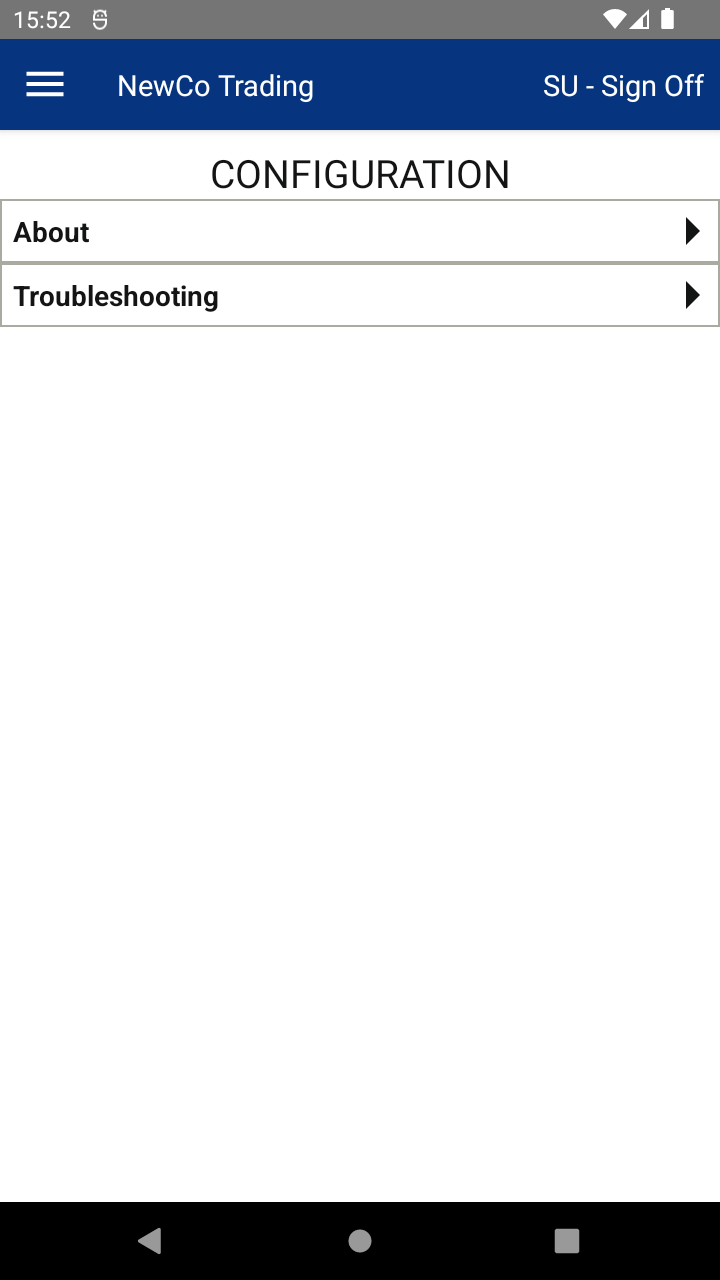
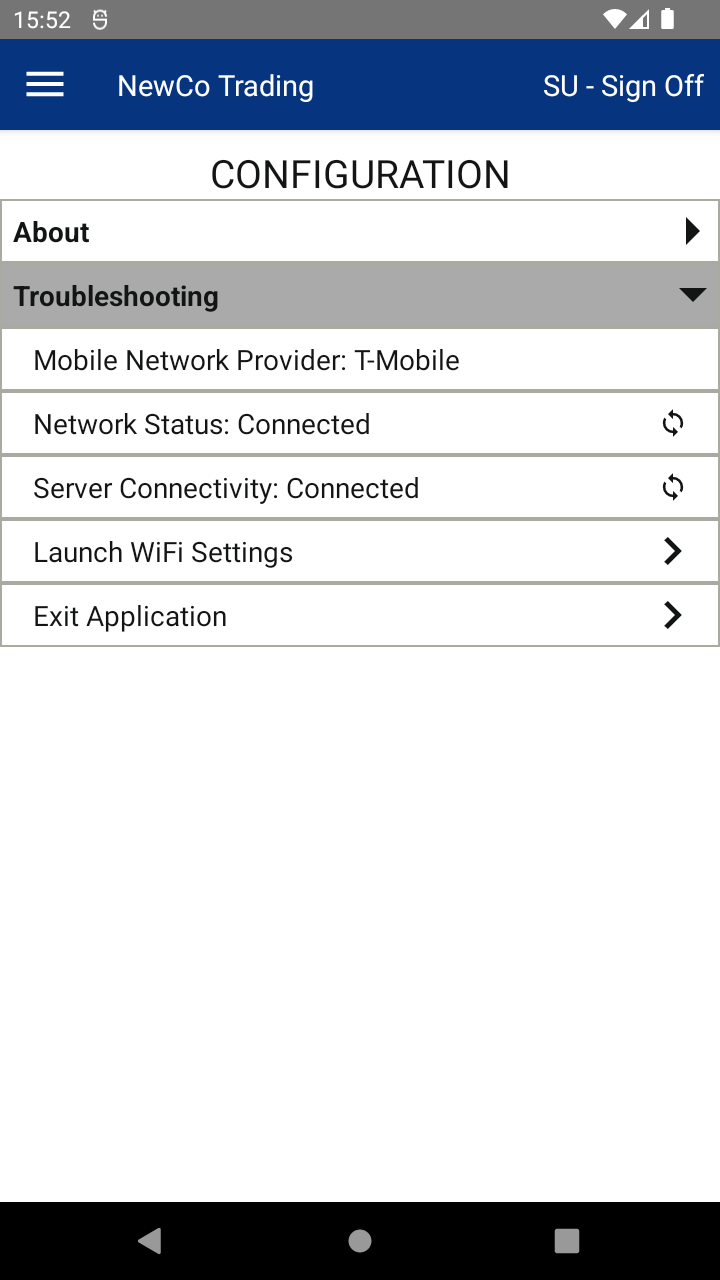
- Tap Launch Wi-Fi Settings — this will take you straight to your device’s Wi-Fi settings.
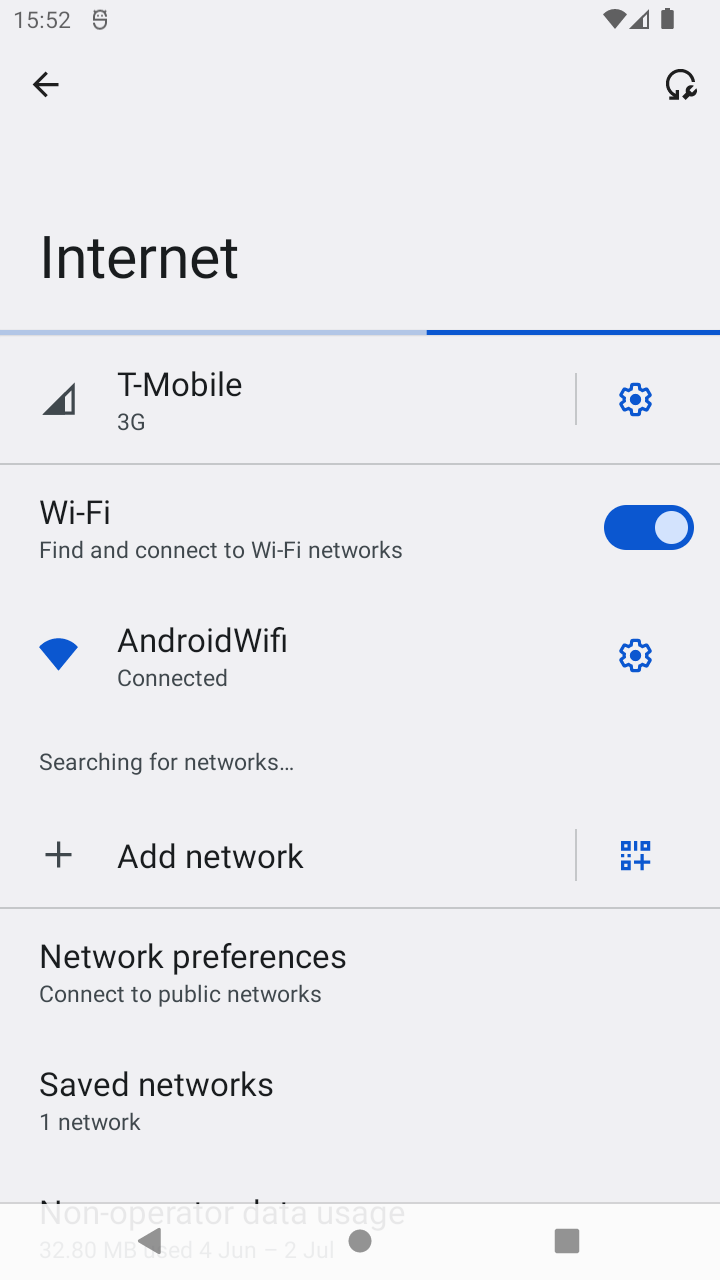
- Choose your new Wi-Fi network and connect.
- When done, tap the back ( ◀ ) icon at the bottom to return to the app.

