You can cancel a transaction at any point before completing a card payment or recording the cash amount.
🔹 To Cancel a Transaction:
- Tap the BACK button in the bottom-left corner (if visible)
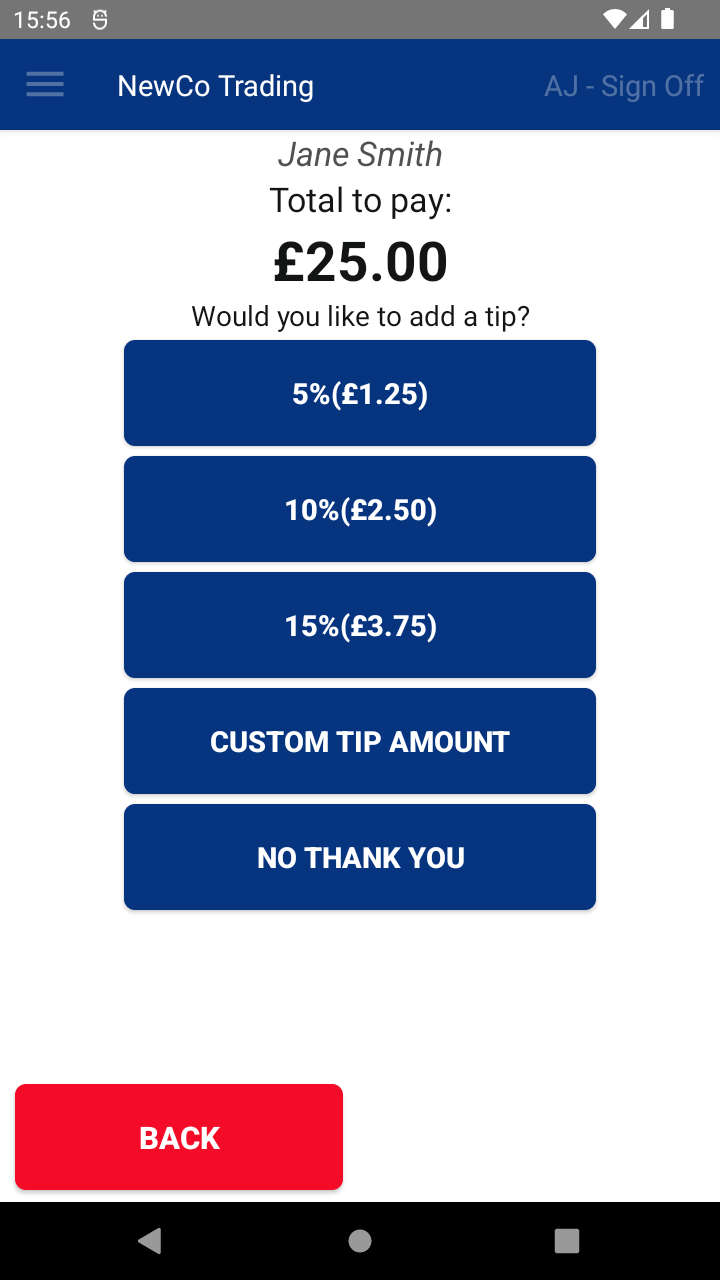
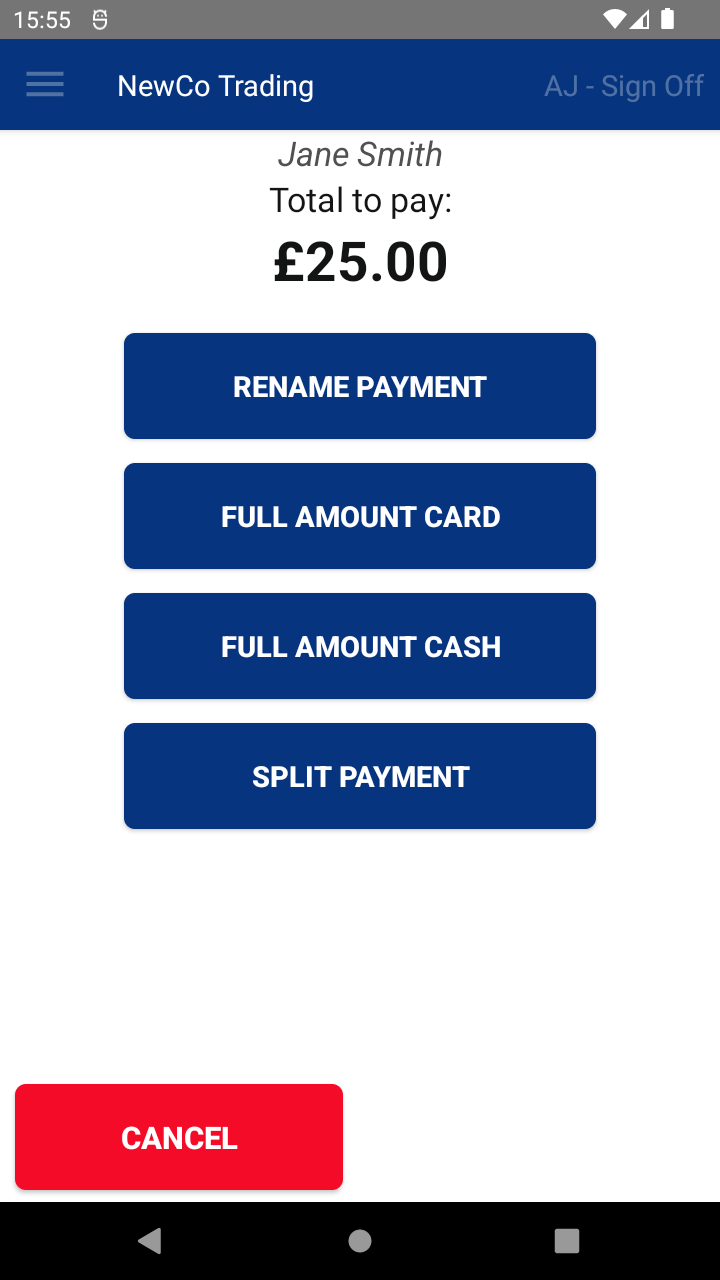
or... - Tap the CANCEL button in the bottom-left corner
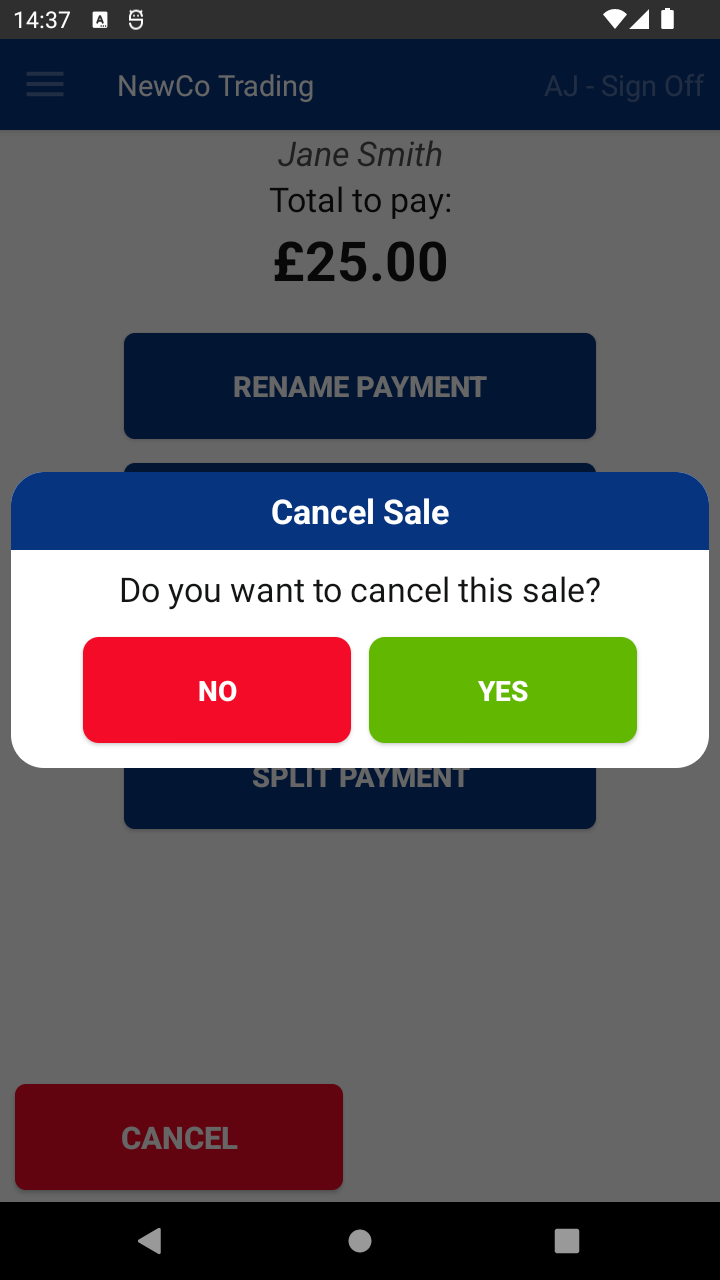
- On the confirmation popup, tap YES
✅ What Happens Next:
- The transaction will be cancelled
- It will still appear in:
- The Transaction History
- Any relevant reports

