Processing a cash sale on your terminal is quick and simple. Just follow these steps:
- Log In
Enter your Staff Code and tap the Next ( > ) button.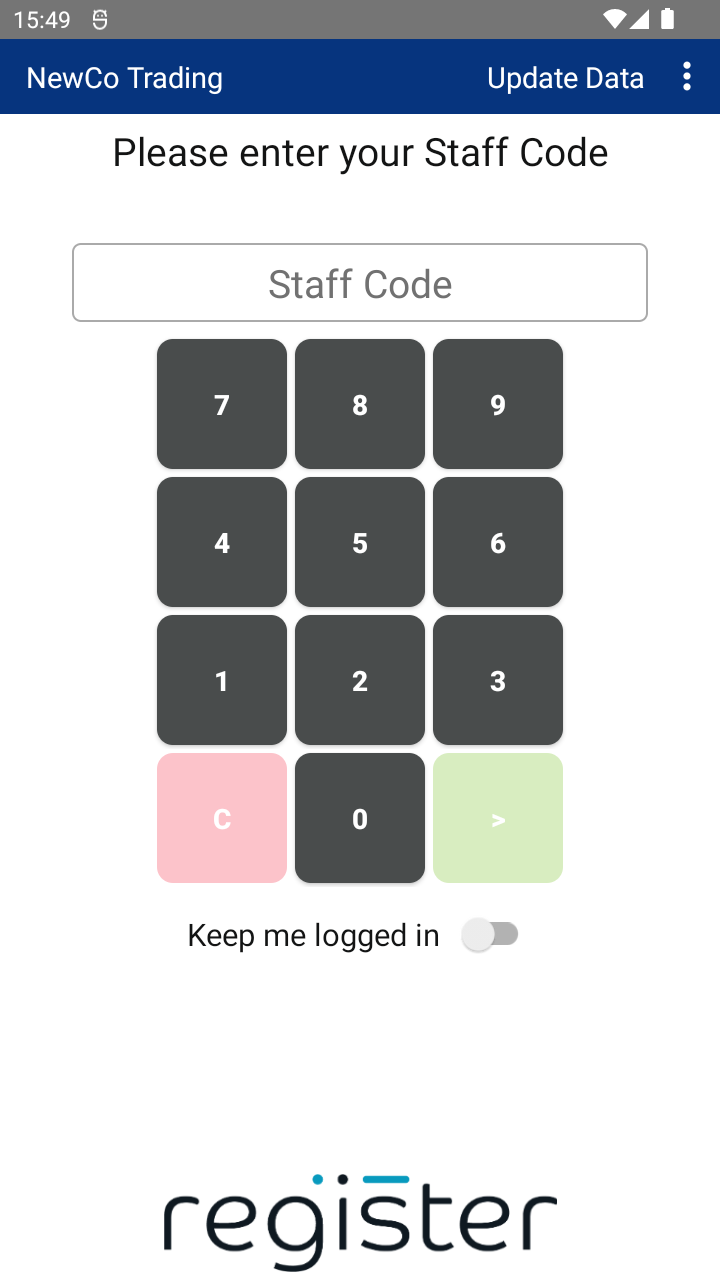
- Enter the Sale Amount
Use the keypad to enter the total amount, then tap CONFIRM.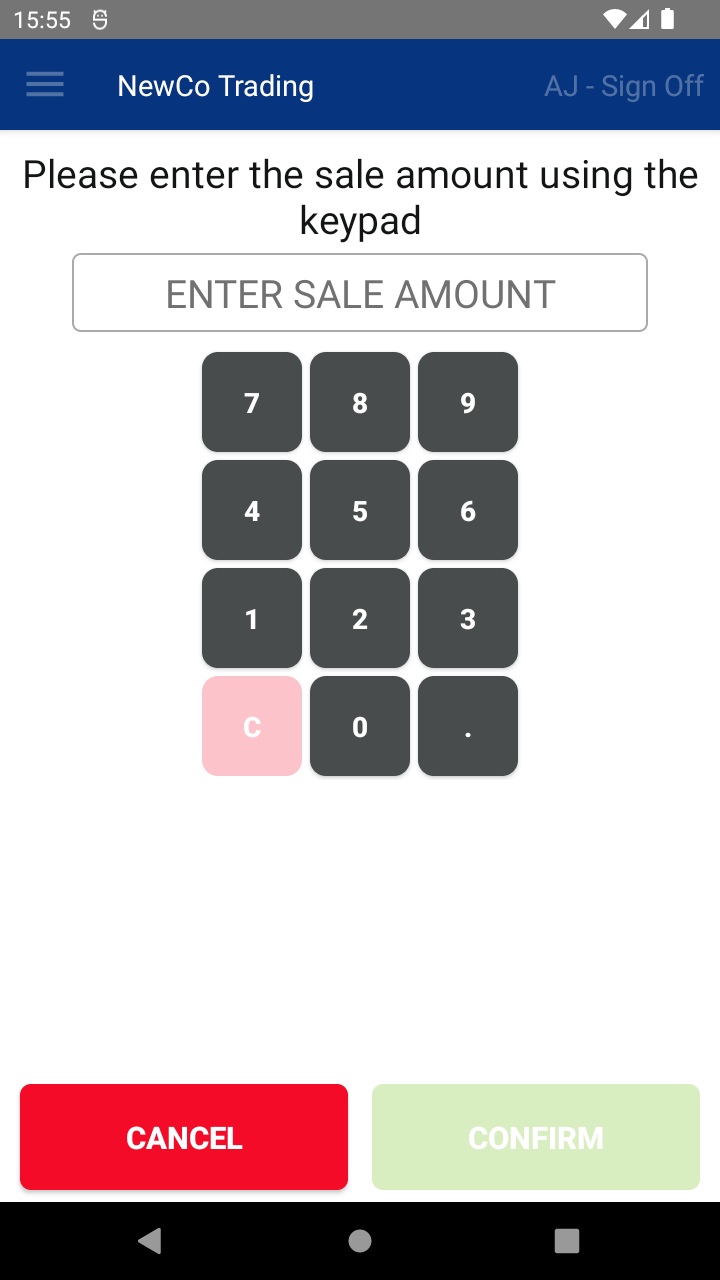
- Select Payment Method
Tap FULL AMOUNT CASH to continue with a cash payment.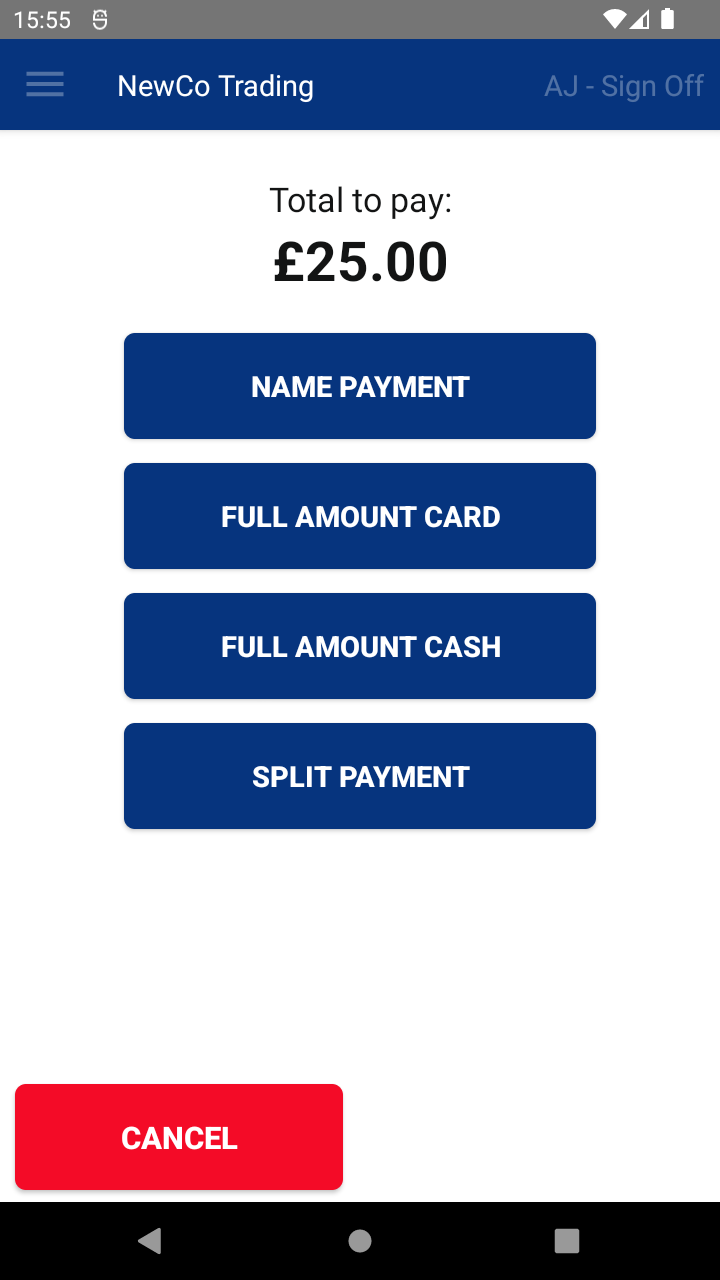
- (Optional) Add Gratuity
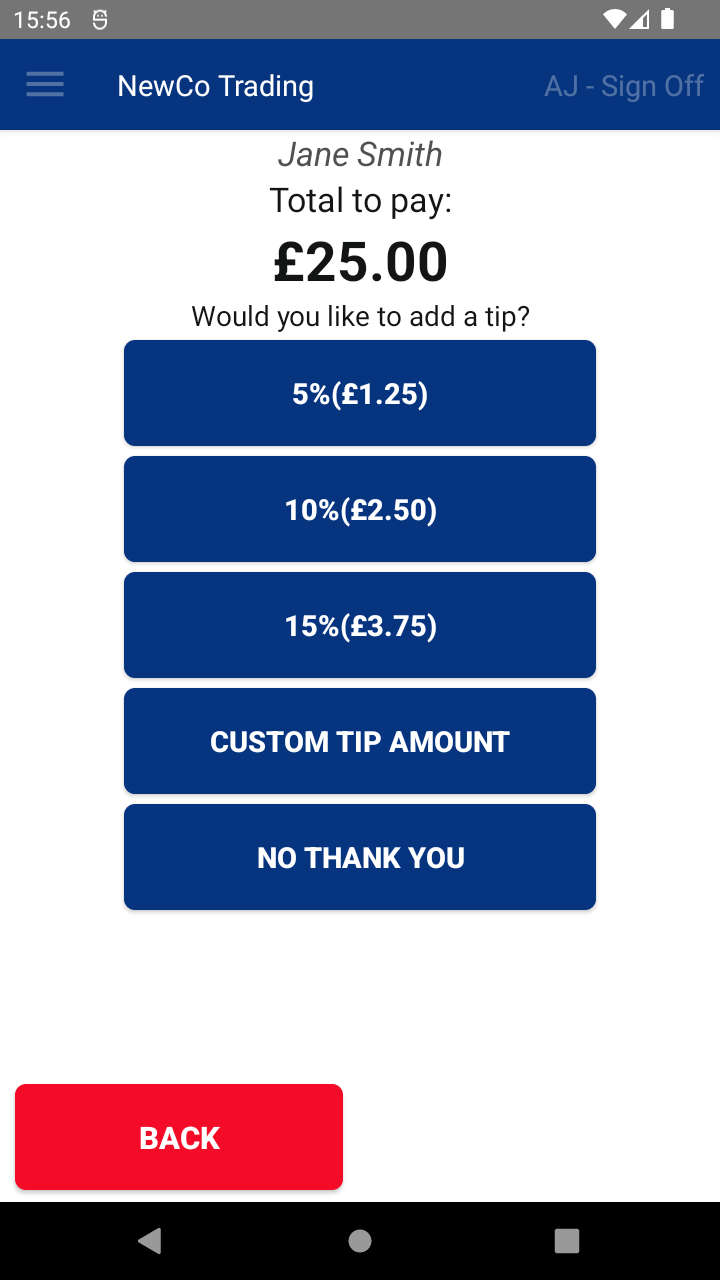
If prompted (depending on your setup), you can:- Select a gratuity amount, or
- Tap NO THANK YOU to skip this step.
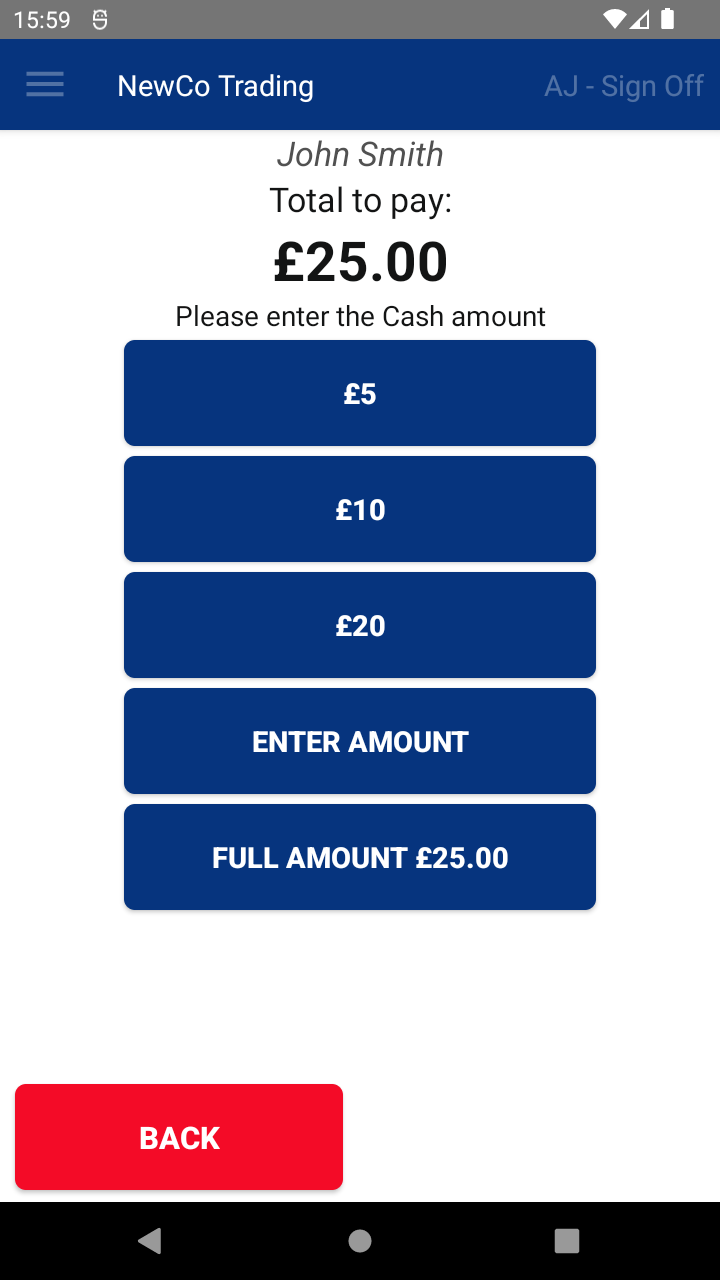
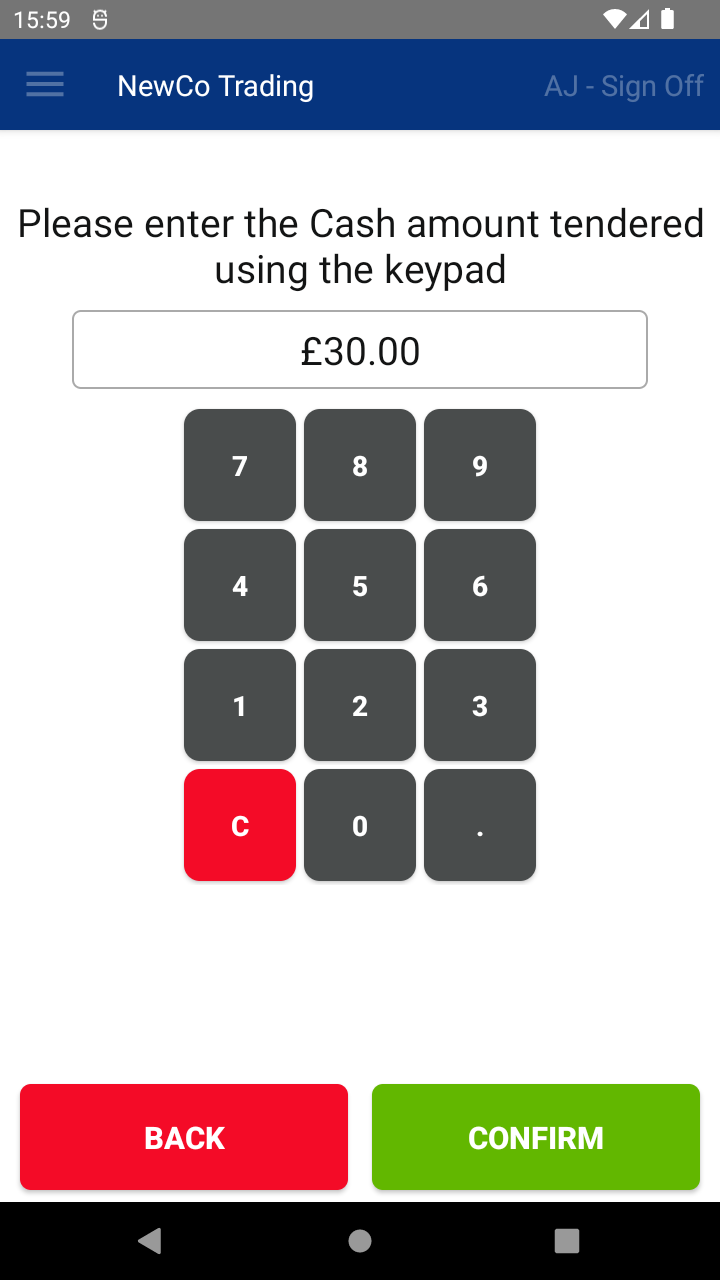
- Enter the Cash Amount Received
You'll now be asked how much cash the customer is handing over. You can:- Tap a quick tender button (e.g. 5, 10, 20)
- Tap ENTER AMOUNT to enter a custom value
- Tap FULL AMOUNT if the customer paid the exact amount
- Review the Transaction Summary
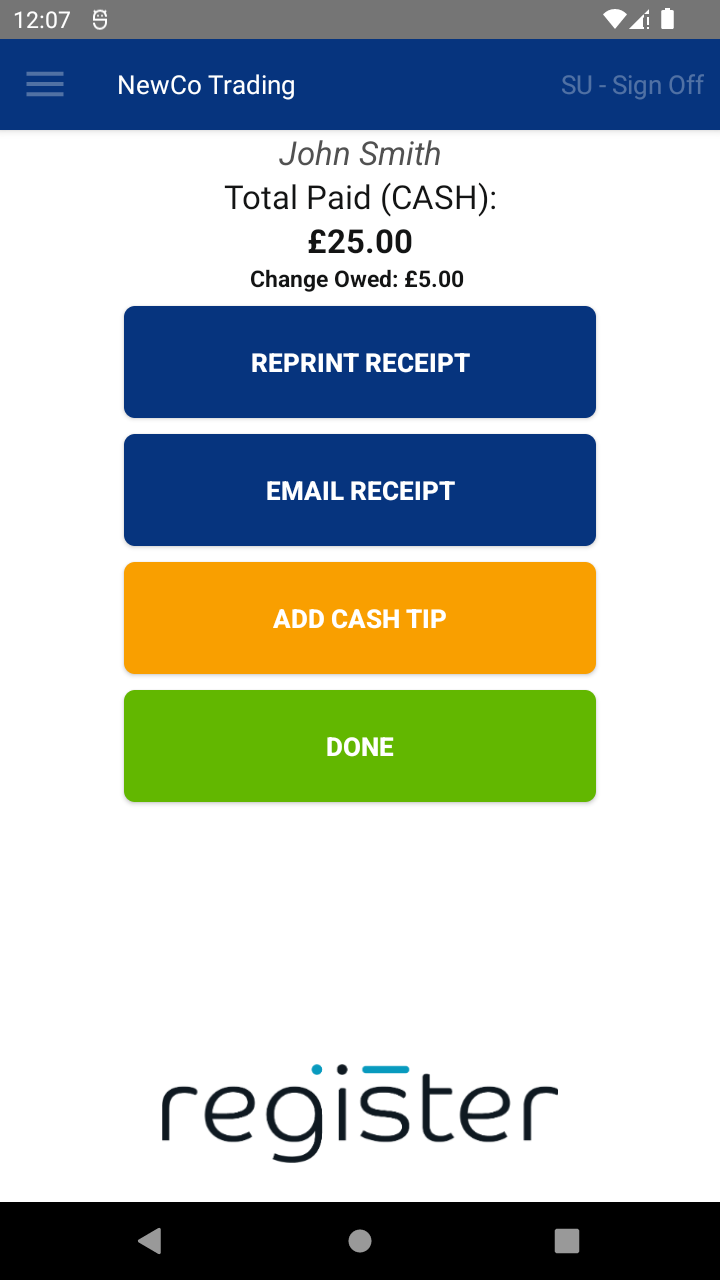
The Transaction Summary screen will display:- Any change due to the customer
- Options to print or email a receipt
- Option to record a cash tip
- Finish the Transaction
Tap DONE to complete the sale and return to the main screen.
The DONE button will display a 60-second countdown timer.
If no action is taken, once the countdown reaches 0, the system will automatically select DONE and return you to the main screen, ready for the next transaction. This helps keep the device ready to use and avoids it being left on the summary screen.
📘 Learn more about:

