- Enter Your Staff Code
To log in, simply enter your Staff Code and tap the Next ( > ) button.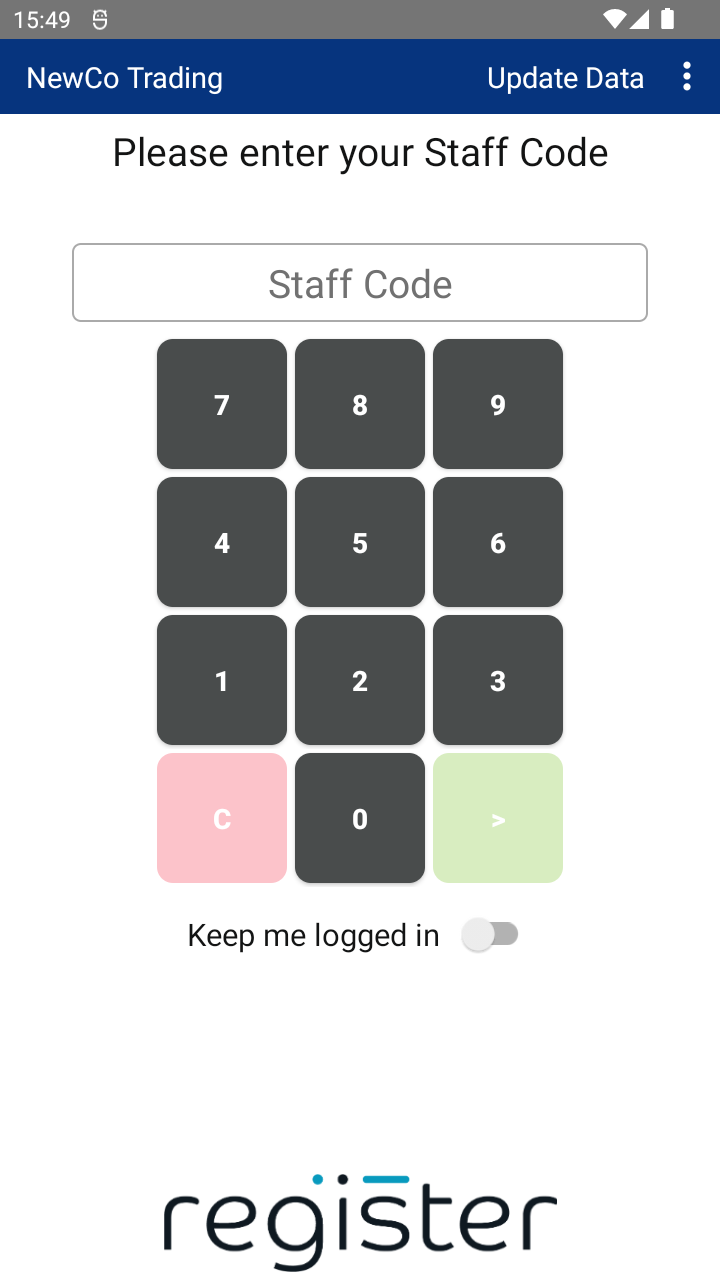
- Default Staff Accounts
Your terminal comes pre-configured with two staff accounts:- POS Supervisor – Staff Code: 0001
- POS User – Staff Code: 0002
- Welcome Screen
On your first login, you’ll see a Welcome screen. This may include a brief message or a video.
Just tap CONTINUE to go to the main screen.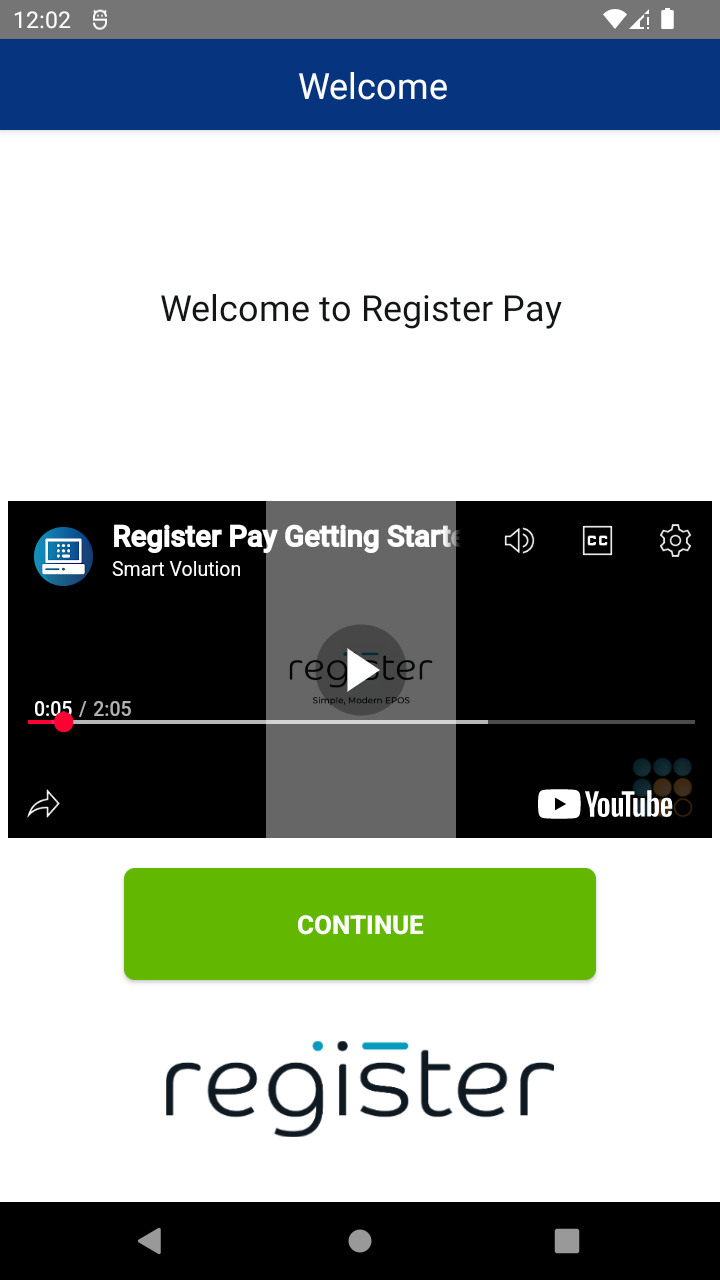
- Automatic Logout
The system will automatically logout after a set period of inactivity.
To stay logged in, switch the Keep me logged in option to On.
📘 Need help customizing your setup?
- 👉 Learn how to add Staff Members
- 👉 Learn how to change Staff Codes
- 👉 Learn how to adjust the auto logout settings
👀 Want to watch the Getting Started video again?

