- How to Sign Off
To log out, tap the area in the top right corner of the screen where you’ll see the initials of the logged-in user, followed by “– Sign Off” (e.g., JD – Sign Off).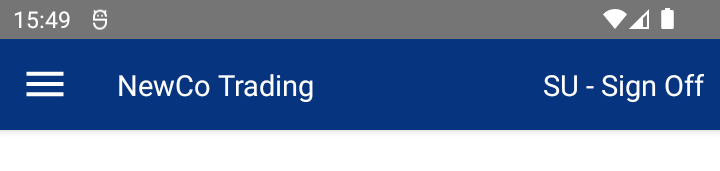
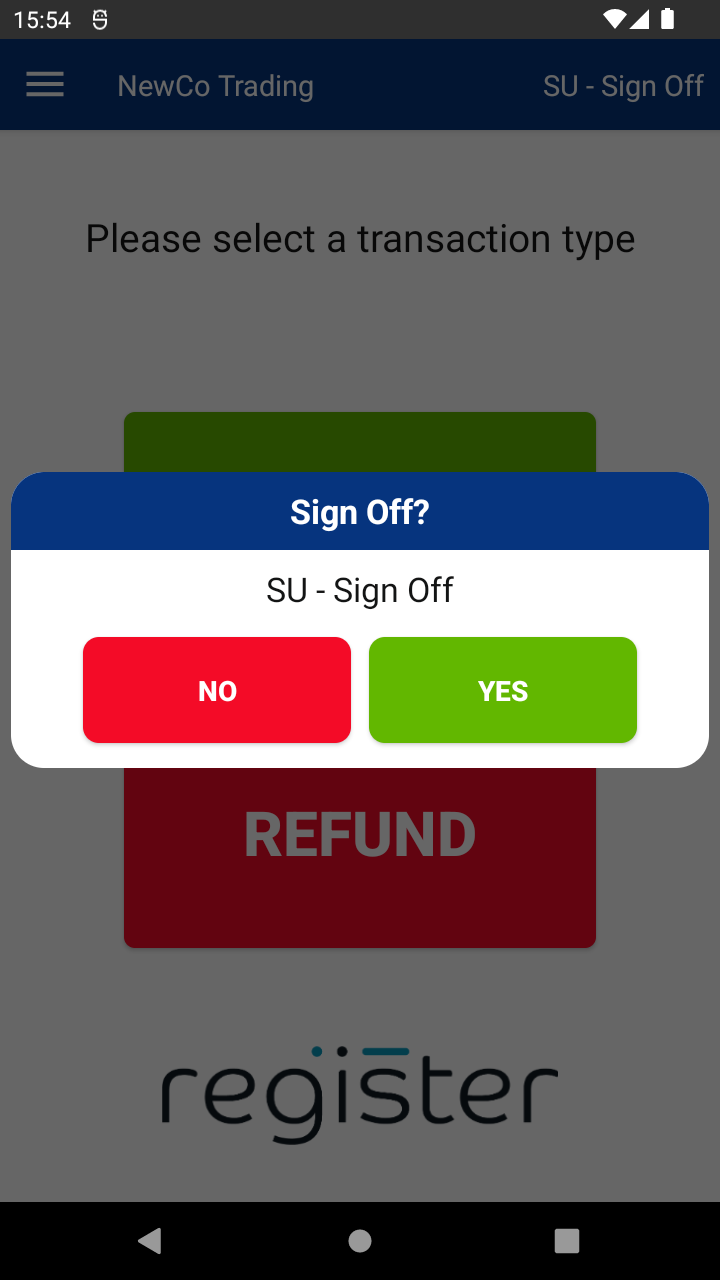
- Confirm Sign Off
You’ll be asked to confirm your choice:- Tap YES to log out and return to the login screen.
- Tap NO to cancel and return to the previous screen.
- When Sign Off Is Unavailable
If you're in the middle of a transaction or certain menu actions, the Sign Off button will be greyed out.
🛑 To sign out, first complete or cancel any active transaction or process.
- Automatic Logout
The system will automatically logout after a set period of inactivity.
You can temporarily disable auto logout by toggling ‘Keep me logged in’ to On on the login screen.
📘 Learn more:

