- Power on the Terminal and Connect to the Internet
Make sure your payment terminal is turned on and connected to the internet (Wi-Fi or mobile data). - Open the Register App
Once connected, tap the Register icon on the terminal’s home screen.
- Enter the Enrolment Code
You’ll be asked to enter an enrolment code. This code should have been provided by your Solution Provider.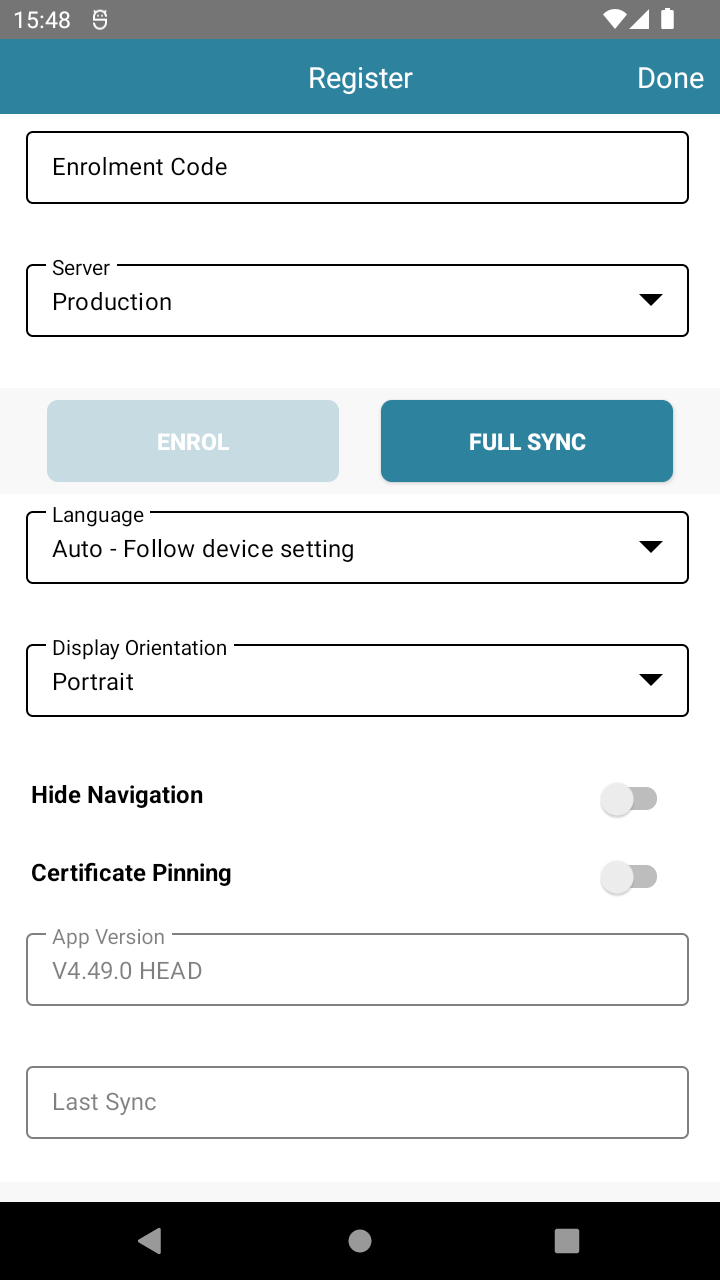
- Enrol the Terminal
After entering the code, tap the Enrol button. The terminal will sync with your account—this may take a few moments.
⚠️ Important: Your terminal must stay connected to the internet during this step. - Log In with Staff Code
When enrolment is complete, a login screen will appear. Enter the staff code sent to you by your Solution Provider to start using the terminal.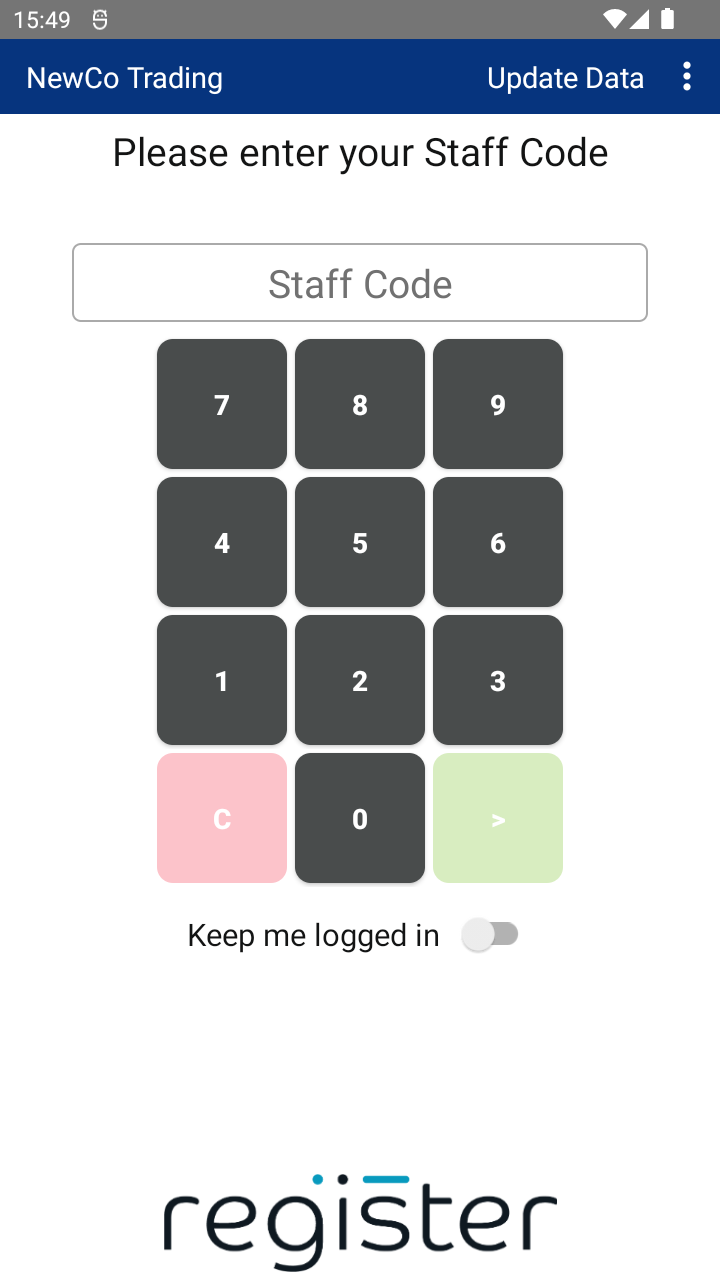
✅ You’re now ready to start accepting payments!
📘 Learn more:
Please Note:
The colour scheme in your application may differ from the examples in this guide.

