Refunds are quick and simple to do:
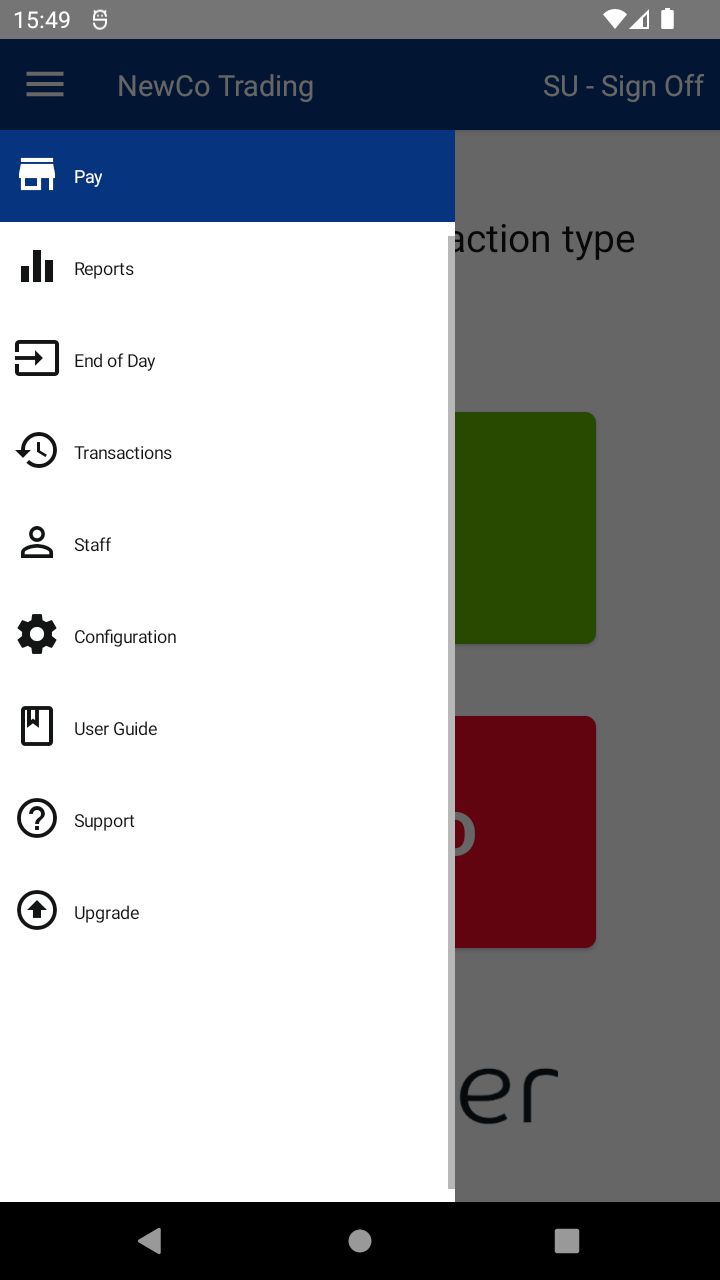
- After logging in, tap the MENU button and tap the REFUND menu item.
- You’ll be asked to enter a REFUND CODE using the keypad, then tap ENTER.
- The default code is 8520.
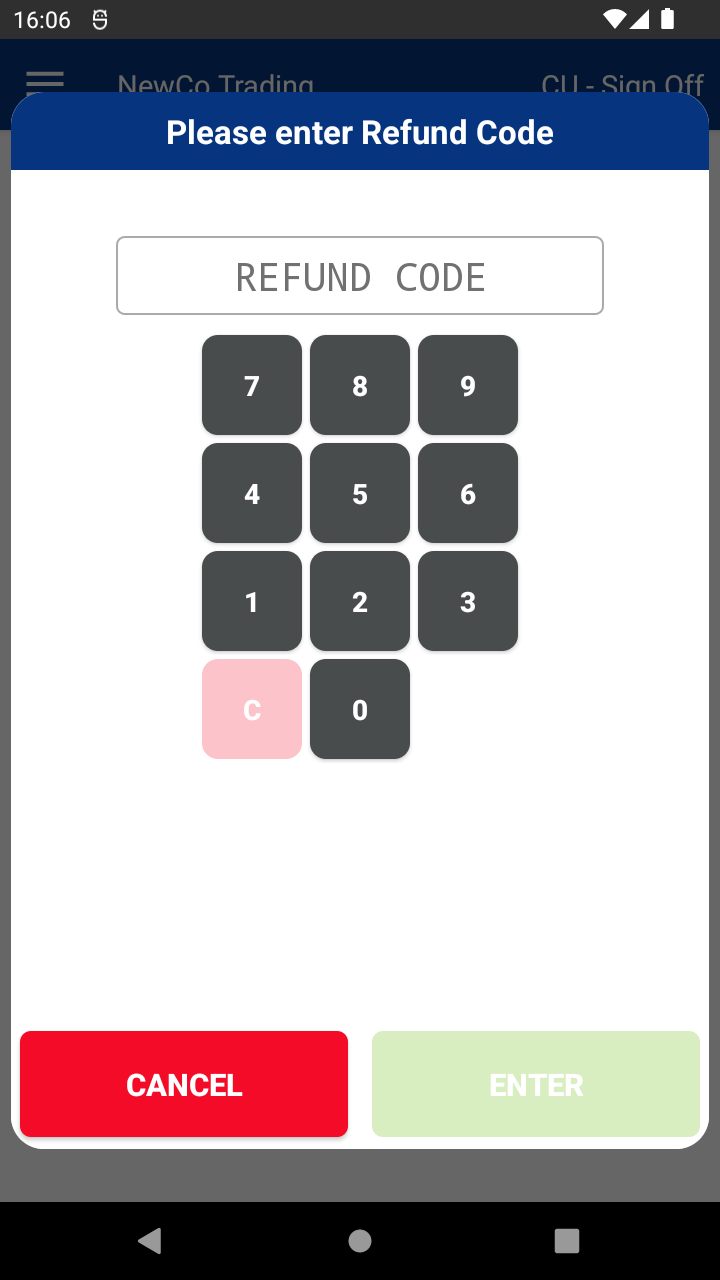
- The default code is 8520.
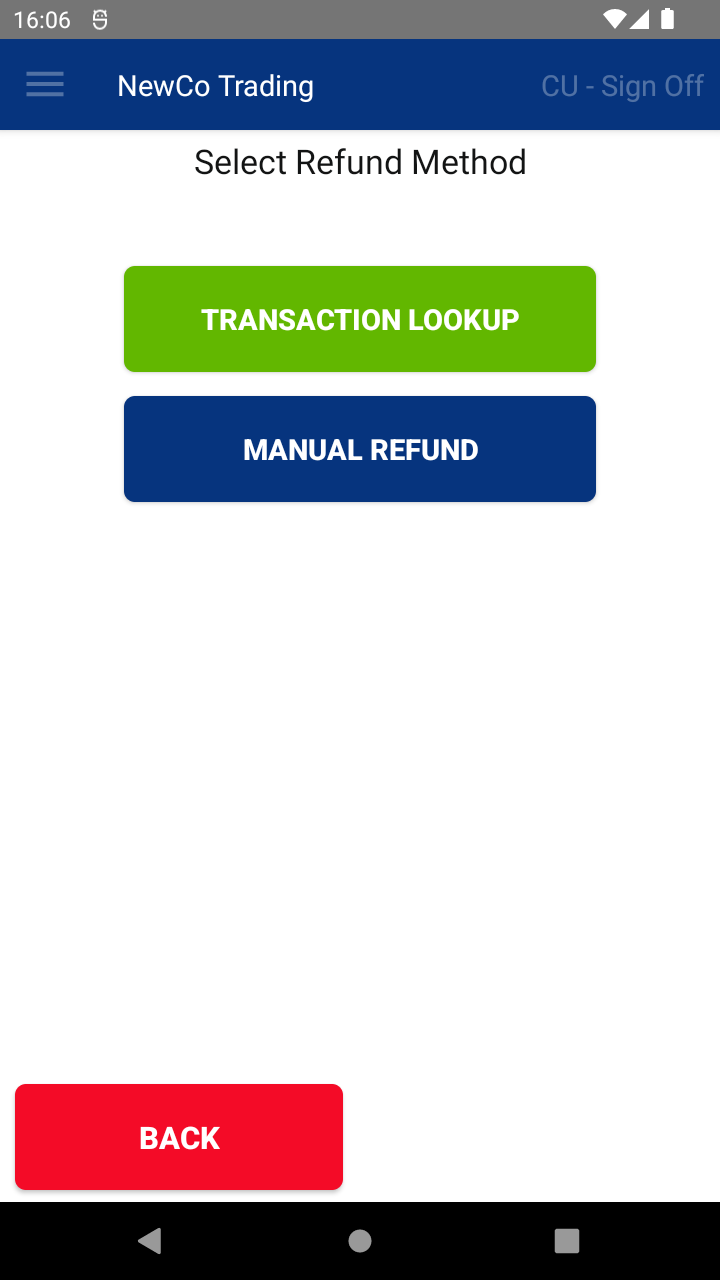
- Tap the MANUAL REFUND button.
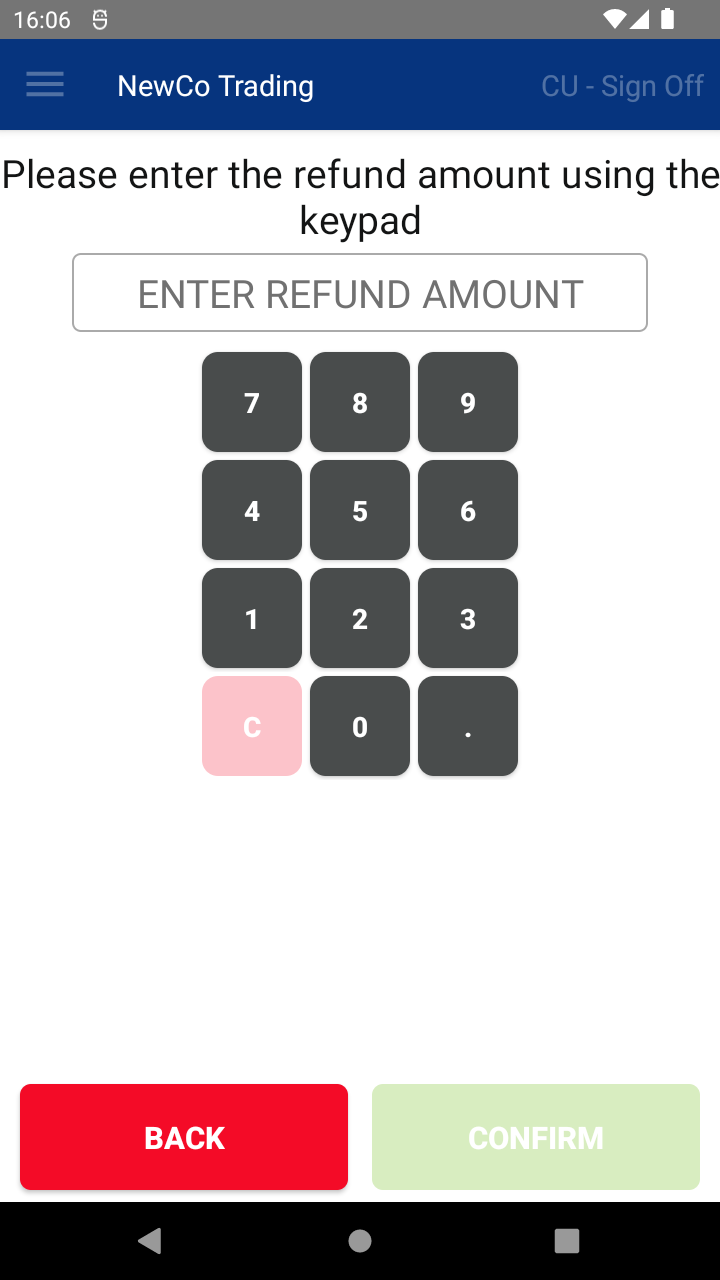
- Enter the refund amount using the keypad, then tap CONFIRM.
- Depending on your setup, you can now:
- Name the refund
- Refund by Card
- Refund by Cash
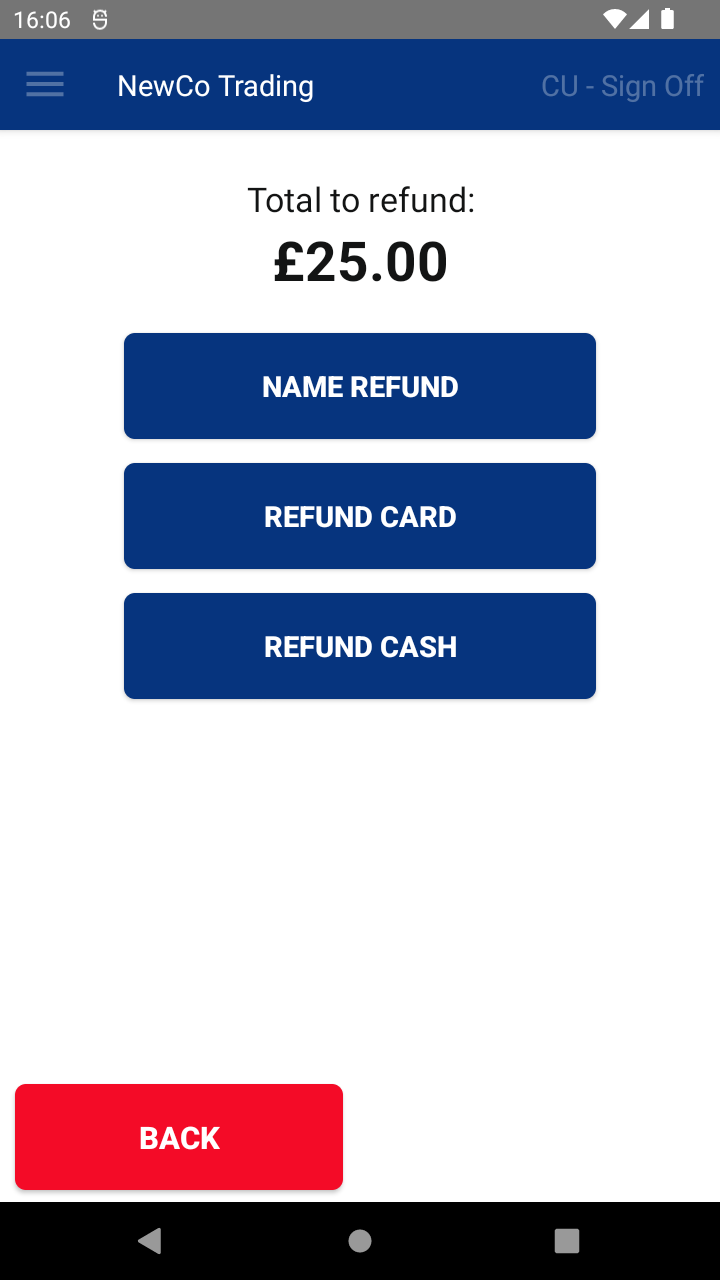
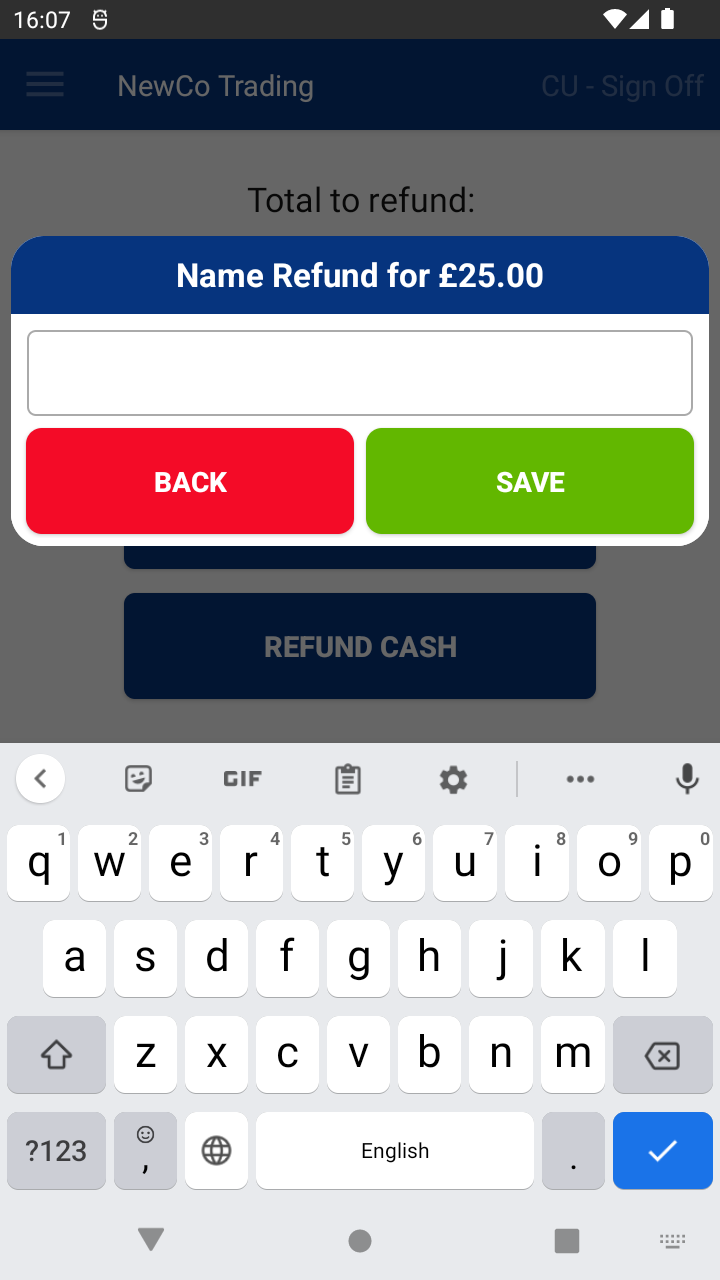
- Tap NAME REFUND to enter a name or reference for the refund (optional).
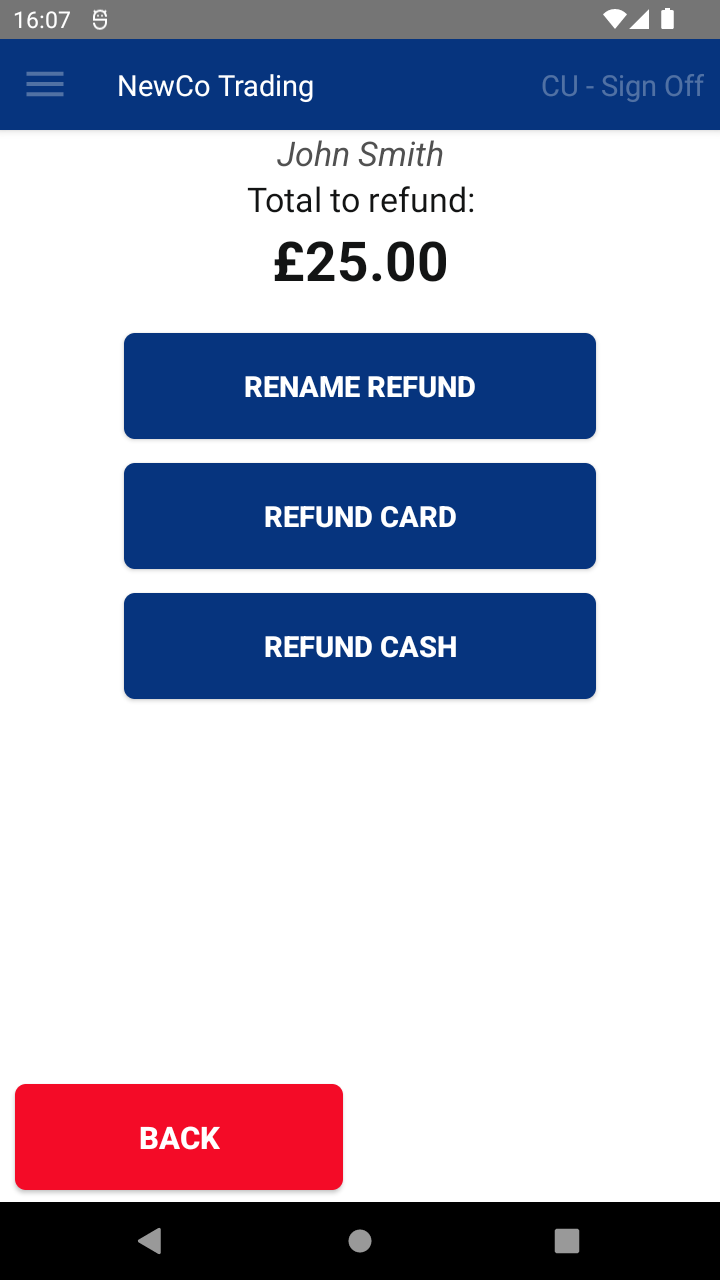
- Tap either REFUND CARD or REFUND CASH depending on how you want to refund.
- You’ll see a Transaction Summary screen where you can print or email a receipt, or continue to the next transaction.
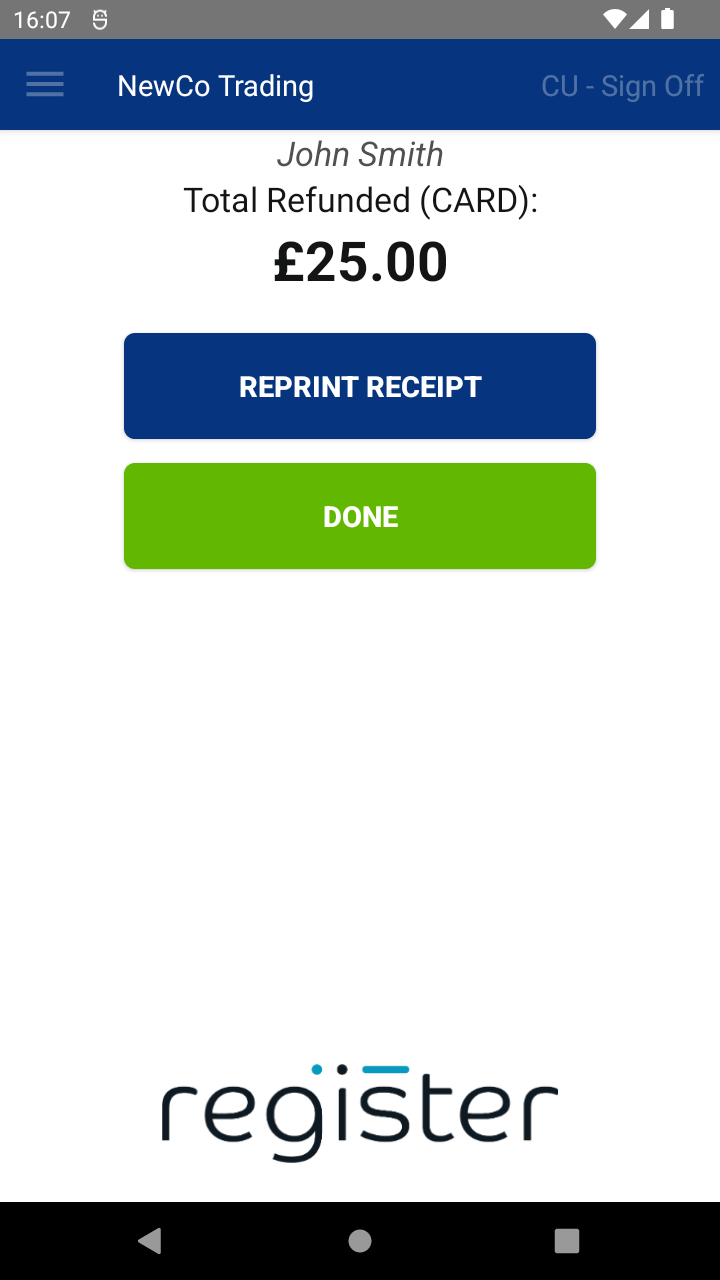
- To finish, tap the DONE button.
The DONE button will display a 60-second countdown timer.
If no action is taken, once the countdown reaches 0, the system will automatically select DONE and return you to the main screen, ready for the next transaction. This helps keep the device ready to use and avoids it being left on the summary screen.
📘 Learn more:

